WhatsApp messages for events: Zoho Backstage enhancements
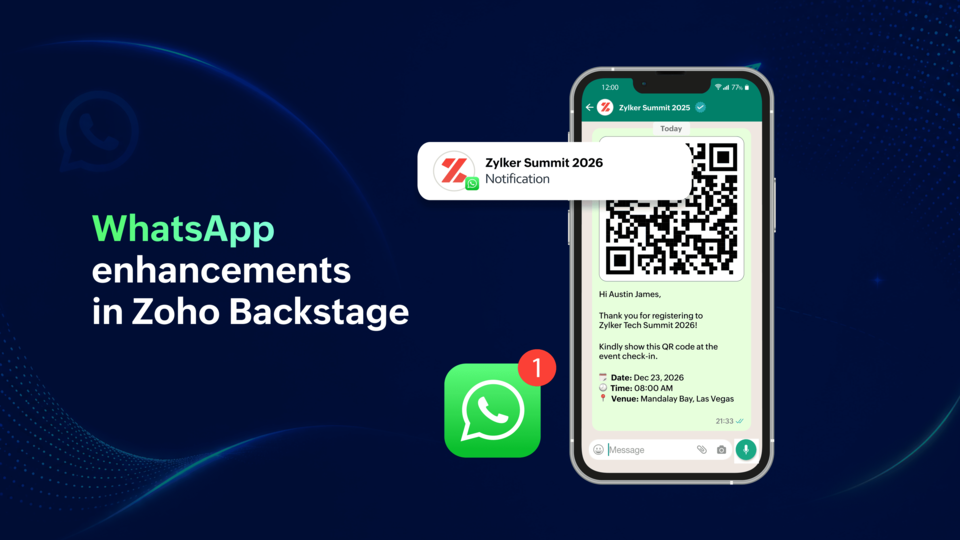
Event communication involves more than just sending updates to attendees. In an event’s lifecycle, organizers coordinate with purchasers, speakers, sponsors, exhibitors, and participants across multiple touchpoints. As communication volume grows, so does the need for visibility into message delivery, flexibility in scheduling, and automation that helps keep stakeholders informed without additional manual effort.
To help organizers manage event communication more effectively, we’ve introduced several enhancements to WhatsApp integration in Zoho Backstage.
Know exactly what happens after a message is sent
When important event updates are sent through WhatsApp, organizers need visibility into whether those messages were successfully delivered.
With the new WhatsApp Delivery Report, organizers can now track the status of WhatsApp messages directly within Zoho Backstage.
The Delivery Report provides an overview of every message sent, including:
- Message name
- Message template
- Sent count
- Delivered count
- Read count
- Failed count
For each message, organizers can view a detailed report that shows individual recipients, their phone numbers, and the delivery status of the message. If a message fails, the reason for failure is also displayed.
The report can be filtered based on delivery status:
Organizers can also filter reports based on automated triggers and notifications and view the associated template used for each message.
To help with tracking, organizers can search through their message history as well. By searching a participant’s phone number, organizers can view the WhatsApp messages sent to that individual. The same information can also be accessed from the corresponding records in attendee, speaker, and sponsor modules.
Schedule WhatsApp notifications in advance
Event communication often needs to happen at specific points before, during, or after an event.
With Scheduled WhatsApp Notifications, organizers can now plan and automate communication directly from Zoho Backstage.
Notifications can be scheduled:
- Before the event
- During the event
- After the event
This allows organizers to prepare communications in advance instead of sending them manually at the required time.
Scheduled notifications display the planned send time and template category, while sent notifications are maintained separately for easy tracking.
In addition, organizers can now select templates with QR codes when creating notifications for attendees, speakers, sponsors, and exhibitors.
Automate communication across more event stakeholders
We’ve expanded WhatsApp automation with additional triggers for purchasers, speakers, sponsors, and participants.
Purchasers
Organizers can now automatically send:
- Registration confirmations
- Order cancellation notifications
Speakers
New speaker-related triggers include:
- Welcome Speaker
- Speaker Added to a Session
- Speaker Removed from a Session
Sponsors
New sponsor communication triggers include:
- Thank a Sponsor Before Website is Live
- Welcome and Thank Sponsor After Website is Live
- Deny Sponsor Proposal
- Acknowledge Sponsor Proposal
Participants
Organizers can now automatically notify participants when an event is canceled.
These additions help extend automated communication across more stages of the event lifecycle.
Keep communication running without interruptions
To help organizers avoid disruptions caused by insufficient messaging credits, we’ve introduced Auto-Recharge for IM Credits.
When enabled, credits are automatically recharged once the balance falls below a configured threshold. Organizers can also define the number of credits to be added during each recharge.
Auto-Recharge is available for portals with a payment method configured in store.zoho.com.
We’ve also added more flexibility to WhatsApp account management.
Organizers can now change the phone number connected to their WhatsApp integration at any time. Existing triggers and templates remain unchanged when a number is updated.
In addition, phone numbers that have been added to a WhatsApp Business Account but are not yet verified can now be verified directly from Zoho Backstage.
Better visibility into your WhatsApp setup
Zoho Backstage now displays WhatsApp Business Account verification status at both the portal and event levels.
Organizers can view whether their account is verified or unverified, along with the messaging limits associated with the account.
We’ve also added a WhatsApp pricing calculator to help estimate and manage messaging costs.
To simplify template creation, supported placeholders are now listed directly within the template creation and editing experience.
Communicate with greater visibility and flexibility
These enhancements are designed to help organizers manage communication more effectively across every stage of an event.
With Delivery Reports, Scheduled Notifications, expanded automation triggers, account visibility improvements, and operational enhancements, organizers can better track message performance, automate stakeholder communication, and manage WhatsApp messaging from within Zoho Backstage.
We’re continuing to expand WhatsApp capabilities with additional triggers, scheduling enhancements, and support for more event workflows in future updates.
To learn more about using WhatsApp with Zoho Backstage, see the WhatsApp integration help documentation.