Strategies & Tips for 2026
Nonprofit email marketing is the sending of appeals, updates, invitations, and thank-yous to a list you own. It’s one of the most effective channels because no algorithm dictates who sees your message, and once someone’s on the list, you don’t pay to acquire them again.
A successful nonprofit email marketing strategy requires more than donation requests; you must optimize every touchpoint, from that initial welcome or thank-you message to reminders and win-backs.
This article is a nonprofit email marketing guide. You’ll learn why it matters, how to create a strategy, best practices, the types of emails to send, and the best tools to send them.
Turn one-time givers into recurring donors with Omnisend’s automated welcome, thank-you, and winback flows
Quick sign up | No credit card required
Why is email marketing important for nonprofits?
Your nonprofit needs to attract donors via its website and retain those it has without burning through its budget. On-site forms, payments, and emails work together to do that: capture supporters at the moment they’re interested, then keep the relationship going long after.
Email marketing is an owned channel, so no social or ad algorithm gets between you and your supporters or volunteers when you run outreach, donation drives, or merchandise offers.
Nonprofits raised an average of $2.40 per email subscriber across 2025, up from $1.87 the year before, according to M+R’s Benchmarks study of 180 organizations.
The marketing aspect of emails is more than just scheduled sends; automated messages have extremely high ROI potential.
Omnisend’s Ecommerce Marketing Report found that 2% of emails were automated in 2025, yet they generated 30% of revenue, 16× more per send than scheduled campaigns.
All this is trackable in reports and analytics via your email tool. These track revenue when connected to your store and apps, and let you drill down by campaign and automation, providing insights into performance that you can then compare against other channels.
How to create a nonprofit email marketing strategy
Don’t just sign up for an email tool and create random segments and flows.
You need goals, a tool that covers your supporter lifecycle, a proper list-building approach, and a plan to reach people with contextual messaging.
Follow these steps for your nonprofit email marketing strategy:
1. Define your goals
The big goal, of course, is increasing gifts and donations, but there’s more to your email marketing than what directly adds to your bank balance. Define what you want and prioritize your goals. Here are some examples:
- Donations. A broad goal that needs filtering down into how you intend to increase them and what you want more of: quantity or total donation value.
- Signups. These are newsletter signups rather than new donors. You can nurture these and turn them into donors in the future. Your goal should be to increase signups, but not at the expense of paying donors; for example, your donor form comes first.
- Volunteers. Your goal is recruitment, usually through campaigns you send to existing employees and subscribers who have shown interest.
- Awareness. Spread the word about your initiative and let it be known about all the good your nonprofit does. Your goal here might be forwards and shares.
- Event registrations. To increase footfall for physical events and attendance for virtual events, such as webinars.
For all these, a SMART approach works well. SMART stands for Specific, Measurable, Achievable, Relevant, and Time-bound. It isn’t a buzzword, but a framework. In practice, it goes like this:
- Get an extra $10,000 in donations (specific, measurable) by September 30 (time-bound) from existing email subscribers (achievable), increasing total donations to >$50,000 by the end of Q3 (relevant).
2. Pick an email tool that covers your customer lifecycle
Every email tool lets you send campaigns. These are one-time or scheduled sends to your segments or lists. They can cover moments in your customer journey, but don’t trigger based on anniversaries, behavior, and donation activity.
You need email automations to reach your supporters across their lifecycle. And as you’ll probably guess, not all email tools are created equal for flows. Some only handle welcomes, thank-yous, and other basic moments, leaving much out of your strategy.
The best email tools have these characteristics:
- Flows that trigger on events, such as a gift placed, a form submitted, or a page viewed, with filters on the trigger, such as donation value
- Segments that separate your supporters by lifecycle stage
- Integrations for your website platform and donation apps
- List-building features and tools to assist in list cleaning
- A low learning curve and ideally, 24/7 support for assistance
- Reports that correctly attribute revenue to your campaigns and flows
- Multichannel support so that you can consolidate your email and SMS in one tool
Bonus points also go to tools with:
- Multi-store support
- Pre-built flows, segments, and email templates
- Generative AI
- A/B testing features for channels and content
From automated flows to advanced segmentation, Omnisend includes all the features you need to turn one-time givers into recurring donors
Quick sign up | No credit card required
3. Build and grow your email list
There are a few ways to grow your email list with the right tool, such as with landing pages, signup forms, and popups. Some email tools include a website builder, but landing pages are more than enough if you already have a website.
Forms and popups should always collect proper marketing consent. You can achieve this for email and SMS subscribers with an unchecked opt-in box. Note that you can’t legally send marketing messages to those who didn’t opt in to them.
Any external marketing channels, such as social media, can also feed into your email strategy by asking for signups or pointing to your landing pages.
Physical events are another opportunity to grow your list. QR codes are an easy win on any print materials, and you can run competitions that require an email address.
4. Segment your audience
Segmentation is a feature in your email tool that lets you group contacts.
You’ll build segments that group your subscribers using filters and conditions, such as the signup form they used, their age, their donation value, and their opt-in status.
The most basic segment is active email subscribers, for those who opened at least one promotional email within a window you set. Another is the inactive contacts segment, containing subscribers who haven’t been engaging with your emails.
Alternatively, you can also categorize your subscribers into donors, volunteers, recurring donors, or event attendees.
You might need to build geo-segments, such as contacts from Europe, Canadian SMS subscribers, and so on. Any ecommerce angle for your nonprofit will call for segments based on churn risk, purchase value, and purchase recency.
Segments can also serve as entry and exit triggers in some flows, appropriate when the segment change itself is the event, such as someone crossing from active to lapsed status.
5. Create a content calendar
A content calendar is extremely helpful for planning your email campaigns and ensuring you cover all the angles that can contribute to your goals.
Your newsletters, fundraising appeals, impact updates, and event promotions will have allocated production time and a publication roadmap with a calendar.
Here’s a format to follow:
- Write down all the seasonal events your nonprofit will target. These could be Thanksgiving, National Nonprofit Day, World Humanitarian Day, and more. Rank them by importance to your organization.
- Write down your newsletter time/date publication expectations. Monthly, bi-monthly, quarterly, and so on.
- Brainstorm content ideas for those events and newsletters. One by one, go through what your audience will find interesting. Consider what could move subscribers closer to donating, and what could increase donation size.
- Map your calendar. Open a blank calendar app or a project management app such as Trello or Asana, and input your content production and publication dates into it. Write down the types of email you intend to send and to which segments.
6. Automate key email campaigns
Your contacts will have activity and perform behaviors on-site and in emails that can trigger automations. It is not feasible to send manual emails to everyone, so your email tool can pick up the slack and do it for you. Automate these:
- Transactional emails. Donation confirmations. You might also have order and shipping confirmations if you sell merchandise and donated goods.
- Welcome emails. Triggers for new donors and signups. Signups should receive the email immediately; supporters should receive it after their donation confirmation email.
- Thank-you emails. For all donations and subsequent ones. Optional if your confirmation email contains a thank-you note.
- Anniversary emails. These go out on important dates, such as donation anniversaries or your supporters’ birthdays.
- Winback emails. Sent to idle supporters who haven’t made any new donations for the selected period.
- Reminder emails. For supporters who pay regular donations. Your email will remind them of the payment date and amount and offer options to manage their donation.
Another aspect of your campaigns is email scheduling for one-time sends. For these, assign a date and time that reflects your supporters’ local time zones. Based on Omnisend’s data, the best window for conversions is 7 am–8 am.
7. Measure and optimize results
There are two sides to measuring. You can monitor campaign and automation performance individually, and compare the two channels also for these metrics:
- Open rate
- Click rate
- Donation rate
- Revenue
- Revenue per message sent
These email marketing benchmarks provide insight into how well your sends do, but another aspect you need to factor in is revenue attribution.
Your email tool should attribute revenue to your marketing efforts. For instance, Omnisend reports display revenue sources under tags From Omnisend and Not from Omnisend. It’s also useful to see graphs that can visualize revenue across channels.
The optimization angle comes from A/B testing. A/B tests let you compare two subject lines or email versions and see which performs best. You can then create an endless cycle of optimizations until your metrics peak.
Nonprofit email marketing best practices
Successful nonprofit email marketing is a whole lot easier with these pointers:
- Build eye-catching forms to grow your list. Make them on-brand with multi-step elements when collecting email and phone numbers. Use popups that trigger on scroll depth, page views, or exit-intent to capture people when they are most engaged.
- Personalize your emails. Starting with your welcome email for new subscribers, or your thank-you email for donors. It’s as simple as adding your subscriber’s first name to the subject line and first sentence in the body.
- Design your email templates with perfection in mind. All your emails should be on-brand, have consistent spacing between elements, use the same fonts, and have an image-to-text ratio that makes sense for the topic.
- Write multiple subject lines and test them. Especially for donation drives. Use your email tool’s A/B testing feature to test two subject lines with your audience.
- Include a clear call to action. It’ll take the form of a button or multiple buttons. It’s best to make it a contrasting color and bold the text within it.
- Optimize for user experience on all devices. Your emails will look different on desktop and mobile, so preview both in your email tool and send test emails to review the designs as your subscribers see them.
Types of emails nonprofits should send
Your nonprofit should send emails based not only on its financial goals but also on your subscribers’ appetite for messages.
A balance between fundraising, engagement, and relationship-building emails is necessary to keep your list happy and maximize success.
Consider these nonprofit email marketing examples for your strategy:
- Welcome emails. The first thing a new supporter gets, and the one they’re most likely to read. Say who you are and how often you’ll be in touch.
- Newsletters. Your regular slot. Updates, brand stories, what’s coming up.
- Donation campaigns. Sent to those who have already donated, targeting the causes that need an increase in donations to reach their targets.
- Thank you messages. For donations, social shares, and other positive interactions.
- Impact updates. Showing the results of your campaigns.
- Event invitations. Send to last year’s attendees first, then the wider list a week later. Follow up separately with the people who opened but didn’t register.
- Volunteer recruitment emails. These go to a different segment than your donor appeals and often need a different sender name and tone. Keep them off the fundraising cadence.
- Transactional emails. Receipts, recurring-gift confirmations, and event tickets. Nobody optimizes these, which is why they’re worth optimizing: add a line about your next event or a link to your impact page.
- Year-end fundraising emails. A December sequence, not a single send. Most of the money lands in the last three days, so plan for four or five emails.
- Re-engagement emails. For contacts who haven’t opened in six months or more. Offer one reason to stay, then suppress the ones who don’t respond.
Best email marketing software for nonprofits
Choosing good email marketing software will help you deliver and collect donor information accurately. Here are five top nonprofit email marketing software picks for 2026:
Omnisend — Best for Shopify and ecommerce nonprofits
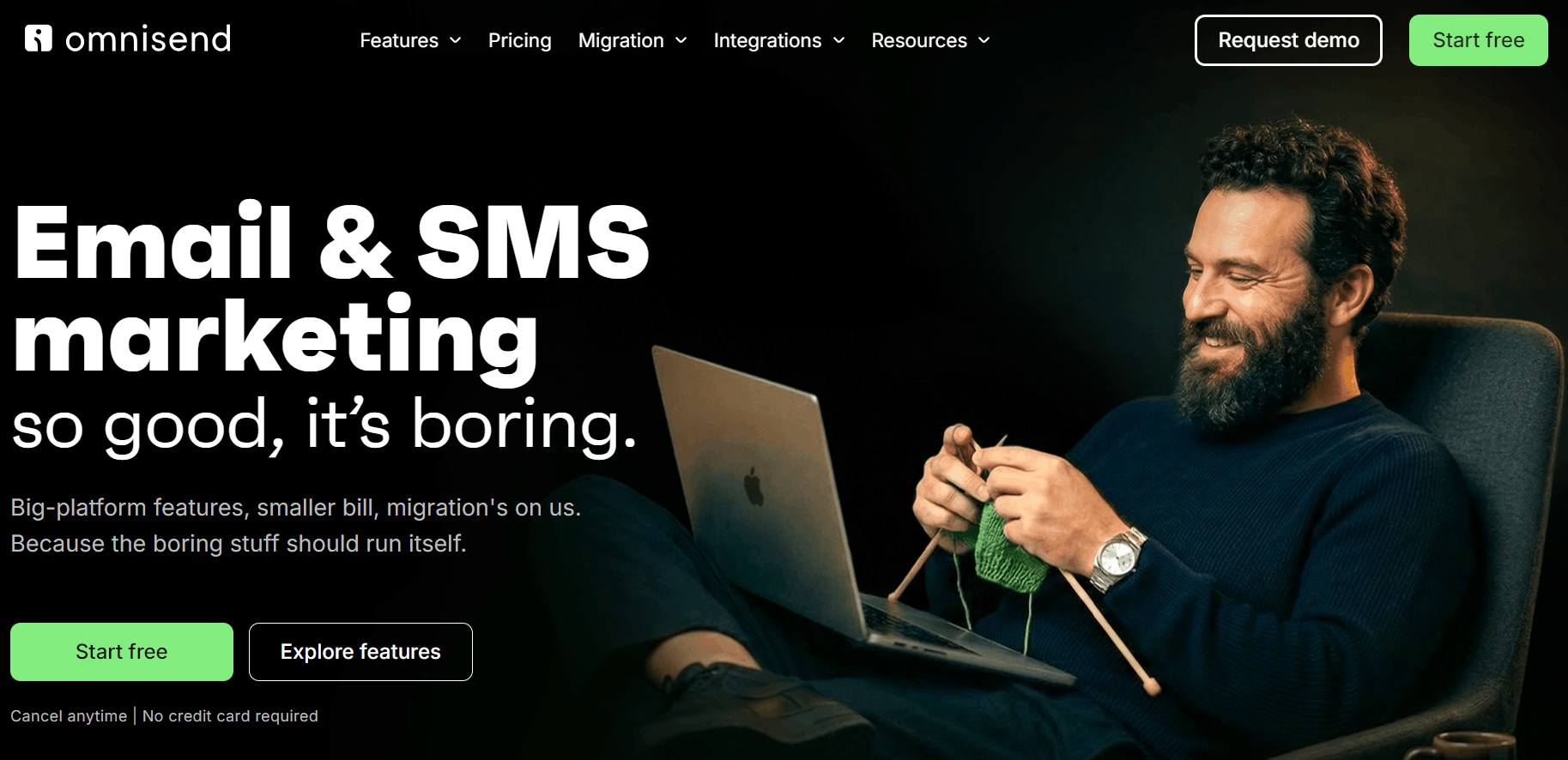
Generating nonprofit revenue from merchandise and donations calls for Omnisend’s ecommerce focus. You get multi-store support with one-click store switching, Zapier to integrate your donation apps, and 250+ pre-built email templates. Plus, with its beginner-to-enterprise user experience, professionals of any level can use it to make communication easier.
Omnisend also consolidates your email, global SMS marketing, and web push notifications, letting you create unlimited flows and segments across all plans.
Pricing
- Free Forever. Send 500 emails/month to up to 250 contacts.
- Standard. From $16/month, letting you send 6,000 emails to 500 contacts.
- Pro. $59/month for unlimited emails to up to 2,500 contacts. Also provides SMS capabilities, with SMS sold in bundles from $10/month.
- Nonprofit discount? No, but offers a generous first three-month discount.
- Other discounts? Yes, save 30% for three months upfront.
Mailchimp — Best for small nonprofits
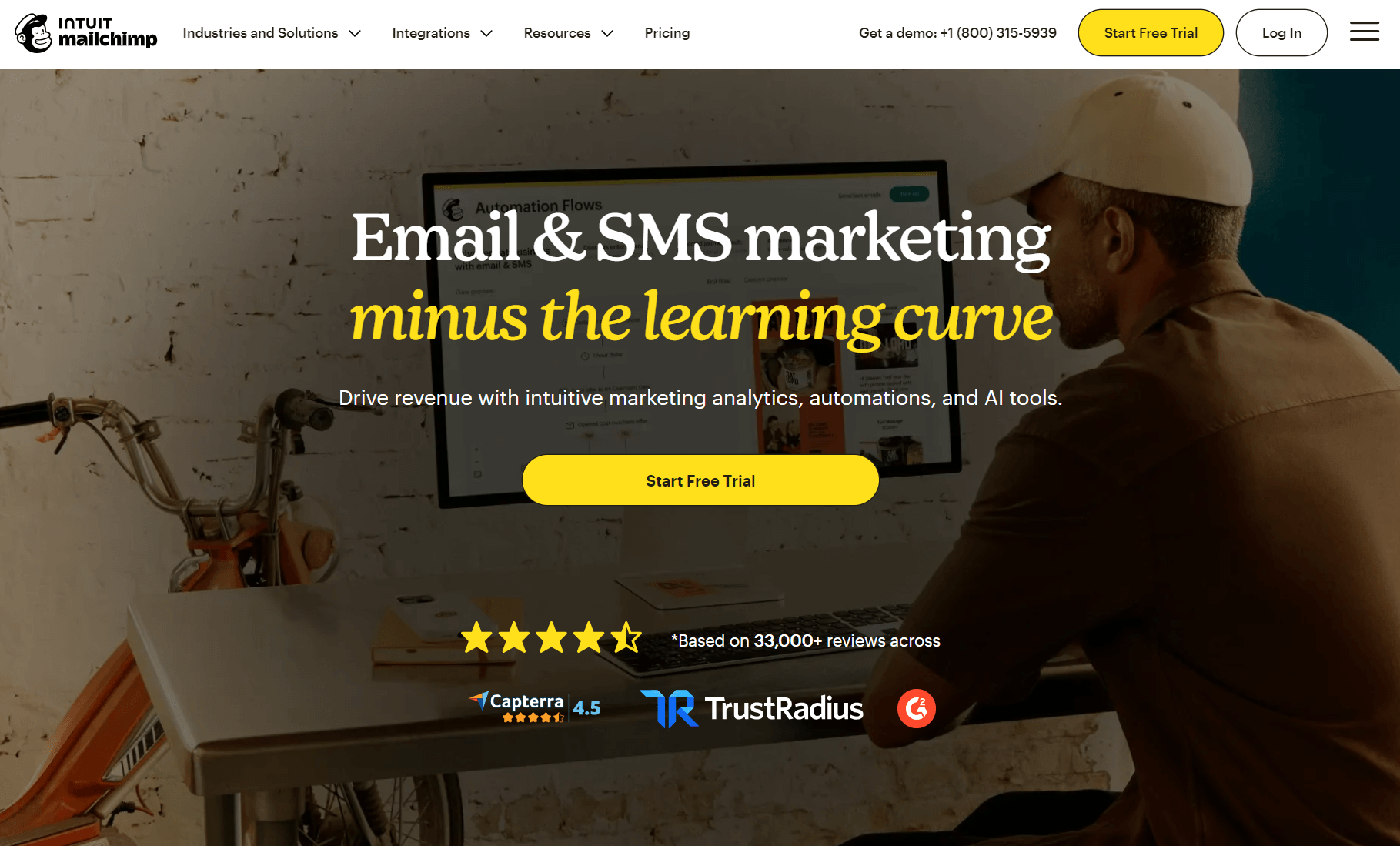
Mailchimp covers predictable customer journeys for your nonprofit, such as welcome emails and abandoned carts, without the enterprise capabilities of Omnisend. Only the Standard plan lets you use generative AI features.
Pricing
- Free. For 250 contacts, you can send 500 emails/month.
- Essentials. $13/month for 500 contacts and a 10x send limit.
- Standard. $20/month for 500 contacts and a 12x send limit.
- Premium. $350/month for up to 10,000 contacts and has a 15x send limit.
- Nonprofit discount? 15%.
- Other discounts? No.
Constant Contact — Best for nonprofits with events
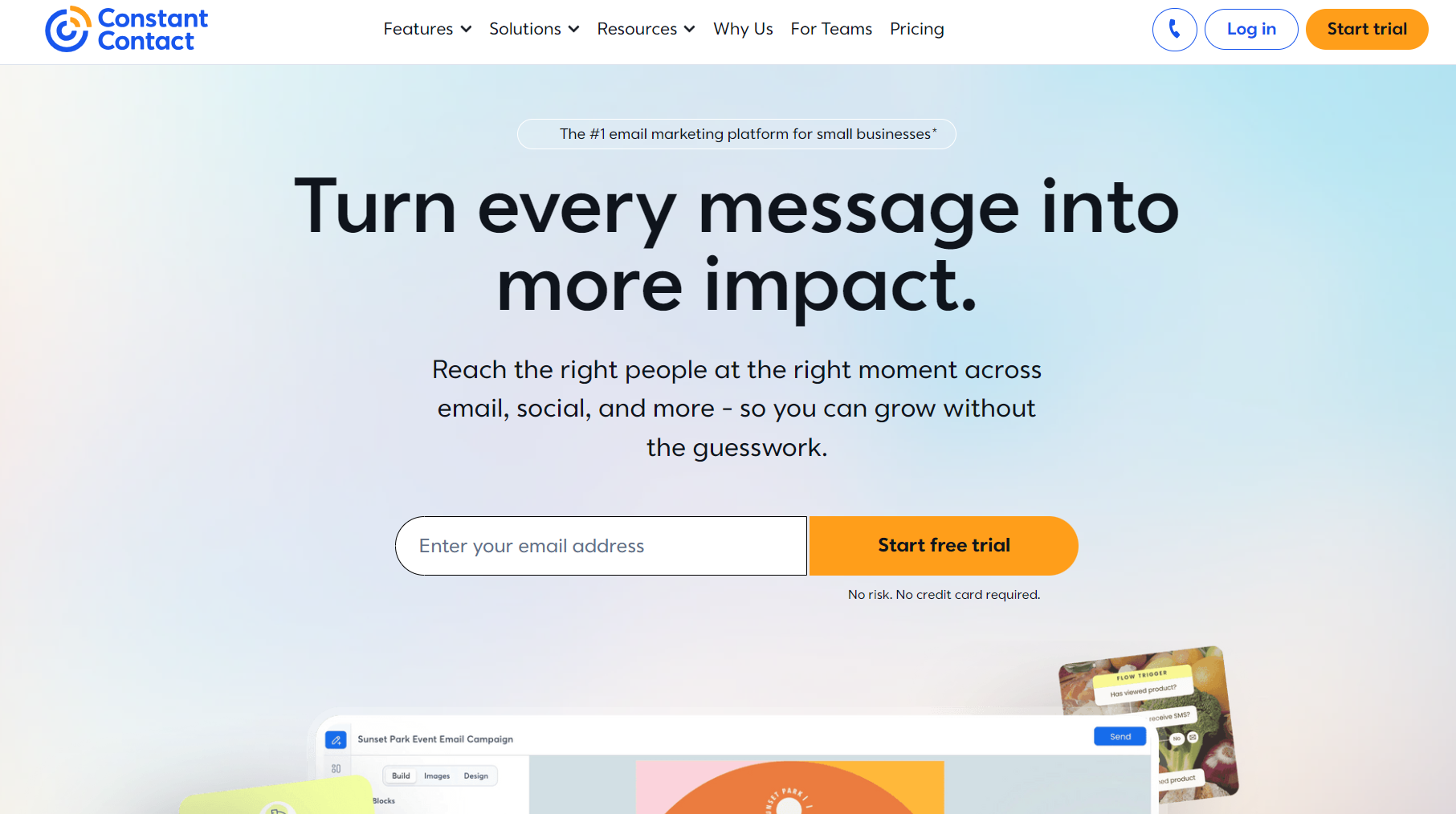
Constant Contact’s marketing suite covers email automation basics with social marketing features, such as post scheduling. It also lets you enable event tickets, add promo codes, and set up payment methods in your registration materials.
Pricing
- Lite. $12/month for 500 contacts and a 10x contact send limit.
- Standard. $35/month for 500 contacts and a 12x contact send limit.
- Pro. $80/month for 500 contacts and a 24x contact send limit.
- Nonprofit discount? 20% off standard pricing.
- Other discounts? Yes, annual plans save 15%.
Campaign Monitor — Best for agencies and multi-team nonprofits
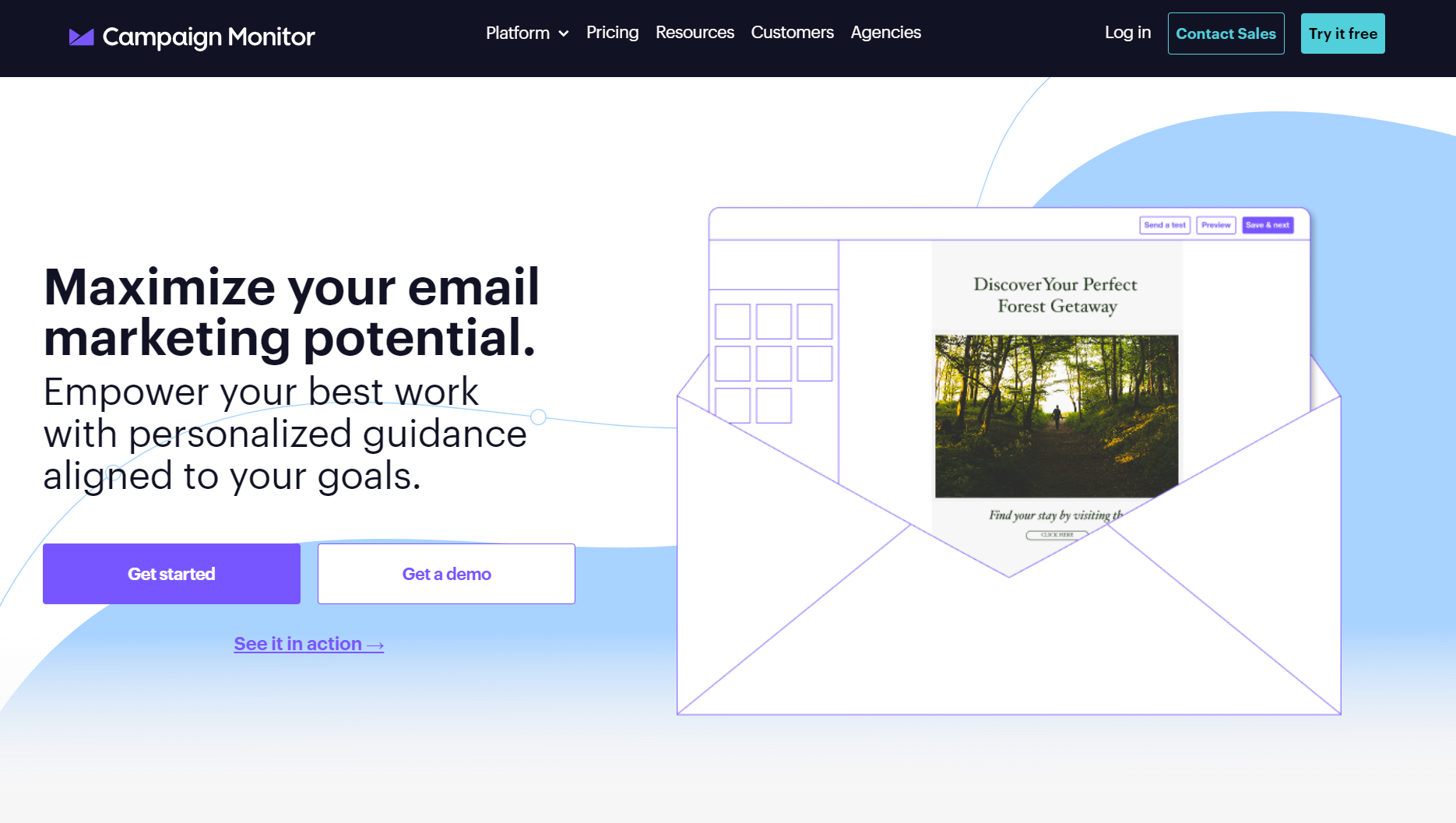
Campaign Monitor includes surveys, social marketing, and ecommerce email marketing features in all plans. Its paid plans have tiered accounts, client dashboards, private labeling, and template sharing for agencies and teams.
Pricing
- Lite. $13/month. It’s good for 500 contacts and 2,500 emails/month.
- Essentials. $31/month for the same 500 contact limit, this time with unlimited sends.
- Premier. $171/month for 500 contacts and all advanced features.
- Nonprofit discount? 15%.
- Other discounts? Yes, you can save 10% with an annual plan.
Kit — Best for nonprofits that create and monetize content
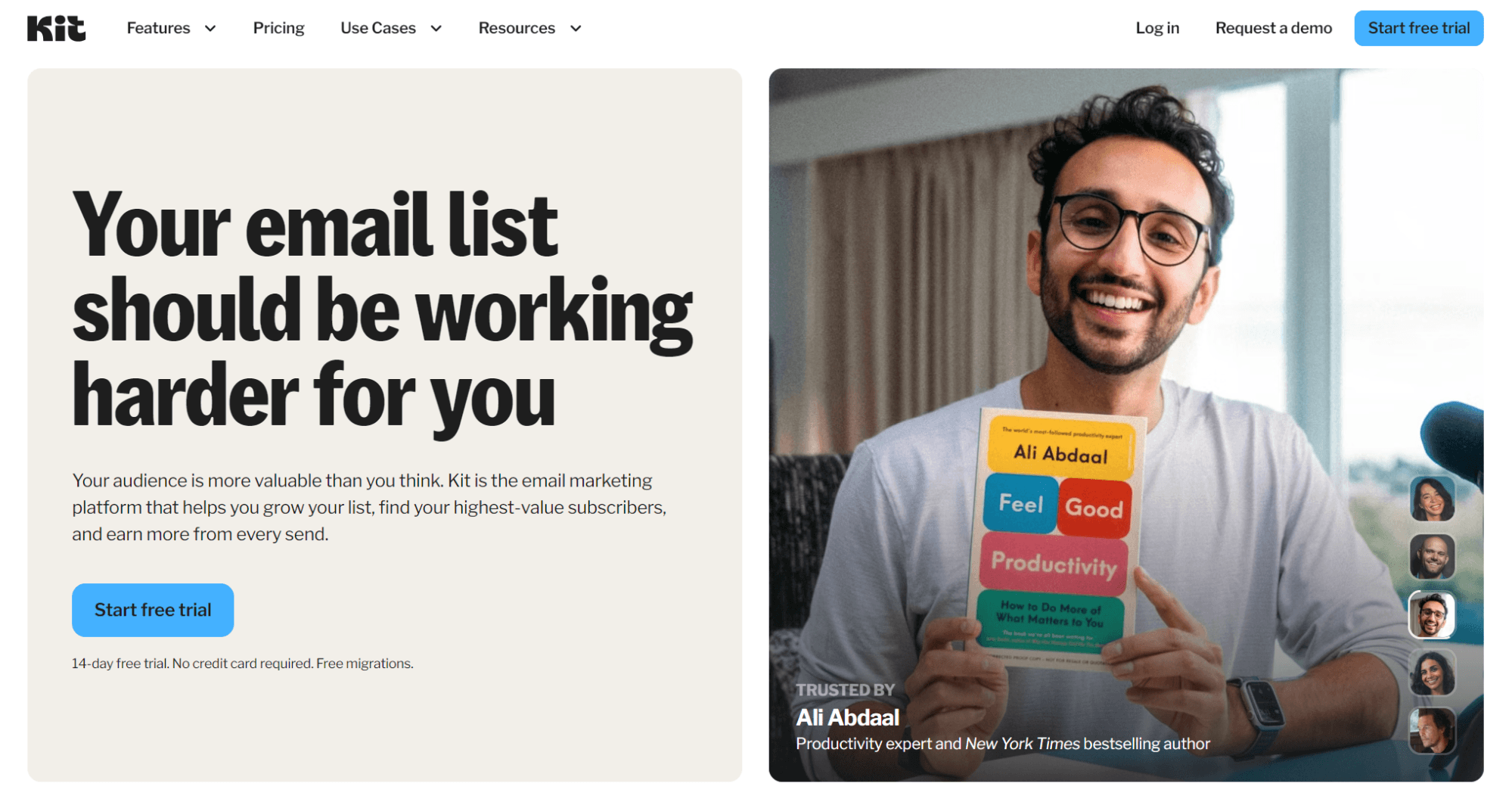
Kit’s appeal is its features for creators, such as selling recurring subscriptions, setting up virtual tip jars, and accessing a newsletter referral system. Its email automation capabilities cover predictable customer journeys, such as checkout abandonment.
Pricing
- Newsletter. A free plan for up to 10,000 subscribers.
- Creator. Starts at $39/month for 1,000 email subscribers.
- Pro. $79/month for 1,000 email subscribers, adds advanced features.
- Nonprofit discount? Yes, unadvertised rate (contact them).
- Other discounts? Yes, save 17% for three months upfront.
How to choose nonprofit email marketing software
Consider these factors and features when reviewing nonprofit email tools:
- Your monthly budget and the tool’s pricing model. Email tools use either contacts or sends for pricing. Some charge for active contacts or all contacts. Nonprofit discounts are sometimes available, such as Mailchimp’s 15% discount.
- Integrations. Your donation platform and website should connect, either via native apps or middleware such as Zapier and Make.
- Channel requirements. Some marketing tools let you send emails and SMS. There’s a good chance your nonprofit needs both. SMS is more direct for time-sensitive alerts and notifications.
- List-building features. Popups and embedded forms should be able to trigger on scroll depth and exit-intent. Also, for SMS, text-to-join can increase your signup rates at events and from printed materials.
- Segmentation depth. For one-time givers, recurring donors, active/inactive subscribers, and grouping people by the forms they subscribe from.
- Automations. Pre-built flows will save you time on setup. A welcome, confirmation, thank-you, anniversary, and winback flow will get you going.
- Reporting. Open rates, clicks, and conversions are your baseline metrics for campaign performance. Sales reports are crucial for tying your campaigns to donation revenue, enabled by connecting your Shopify store or other platform.
- AI assistance. Some email tools speed up setup with an AI segment builder, form builder, report analysis, and content generation. Link these back to plan pricing, as more advanced features are sometimes restricted.
Conclusion
At the very least, your nonprofit needs to send automated emails for confirmations and alerts about donations and account activity.
The marketing and ROI aspect comes from campaigns and flows that reach people at the moment they are likely to donate again or are willing to share your campaigns with others. That positive outreach will help you achieve your financial goals.
There are a few essentials to successful nonprofit email marketing. Having a good list-building strategy, retention flows, and winback emails is right up there as one of the most important ways to keep revenue flowing across your donor lifecycle.
Software supports your efforts. Omnisend is the logical pick if your nonprofit has a Shopify or other storefront and sells physical products, such as donated goods. Its ecommerce features will help you grow your revenue.
Join Omnisend to grow your nonprofit with email and SMS marketing automation
Quick sign up | No credit card required
FAQs
What is nonprofit email marketing?
Email marketing for nonprofit organizations is the process of sending messages to supporters, volunteers, and partners to fundraise, share updates, and build relationships. It is an owned channel, enabled by an email tool that handles scheduled campaigns and automations that trigger based on subscriber behavior and profile data.
What are the benefits of nonprofit email marketing?
Email marketing reaches your stakeholders with promotional and retention messages that increase revenue and customer lifetime value. It can account for a significant portion of donations at a fraction of the cost of paid channels.
What’s the best free nonprofit email marketing software?
Omnisend works extremely well for nonprofits that sell merchandise, donated goods, and collect donations via an ecommerce store. Its native Shopify and WooCommerce apps have deep integrations that sync customer behavior.