Bring Your Own AI: Connect Any LLM to Your SalesIQ Chatbot
AI adoption is not slowing down. AI standardization is speeding up.
A few years ago, businesses asked, Should we adopt AI?
Now, the question has changed:
How do we make every app work with the AI ecosystem we have already chosen?
As organizations use AI across customer support, sales, engineering, and internal operations, many are standardizing on one or more preferred AI providers. These decisions often follow extensive security reviews, procurement cycles, legal approvals, and internal assessments.
Once those investments are made, introducing another AI model into the stack is not always practical.
That is why we introduced Bring Your Own AI (BYOAI) in Zoho SalesIQ.
Instead of asking businesses to use a specific large language model, SalesIQ’s Answer Bot can now work with the model they have already approved.
Available as part of the SalesIQ Summer ’26 release, BYOAI lets Answer Bot run on the AI provider that fits your organization’s policies and AI strategy, rather than limiting it to a default model.
What is Answer Bot, and why does the AI model behind it matter?
Answer Bot is SalesIQ’s AI-powered bot. It reads incoming visitor questions, searches your knowledge base or resource library, and generates an answer using a large language model (LLM). The LLM is the “brain” doing the reasoning; the resource library is what it draws facts from.
For some businesses, the default model works just fine. But plenty of others, not just large enterprises, but growing SMBs too, have already standardized on a specific AI vendor. Many have been through a formal process to approve that vendor: legal review, a signed Data Processing Agreement (DPA) governing how it handles data, security sign-off. Switching vendors isn’t a quick decision at any company size, and for smaller teams especially, re-doing that vetting process for a different model isn’t worth the effort. Others have invested in their own fine-tuned model built on internal data and don’t want to hand that reasoning over to a third party at all.
BYOAI is built for exactly these situations.
What is Bring Your Own AI (BYOAI)?
Bring Your Own AI (BYOAI) is one of Answer Bot’s most significant upgrades in the Summer ’26 release. It allows Answer Bot to be powered by the LLM of your choice.
There are two ways to connect your preferred model:
Native integrations
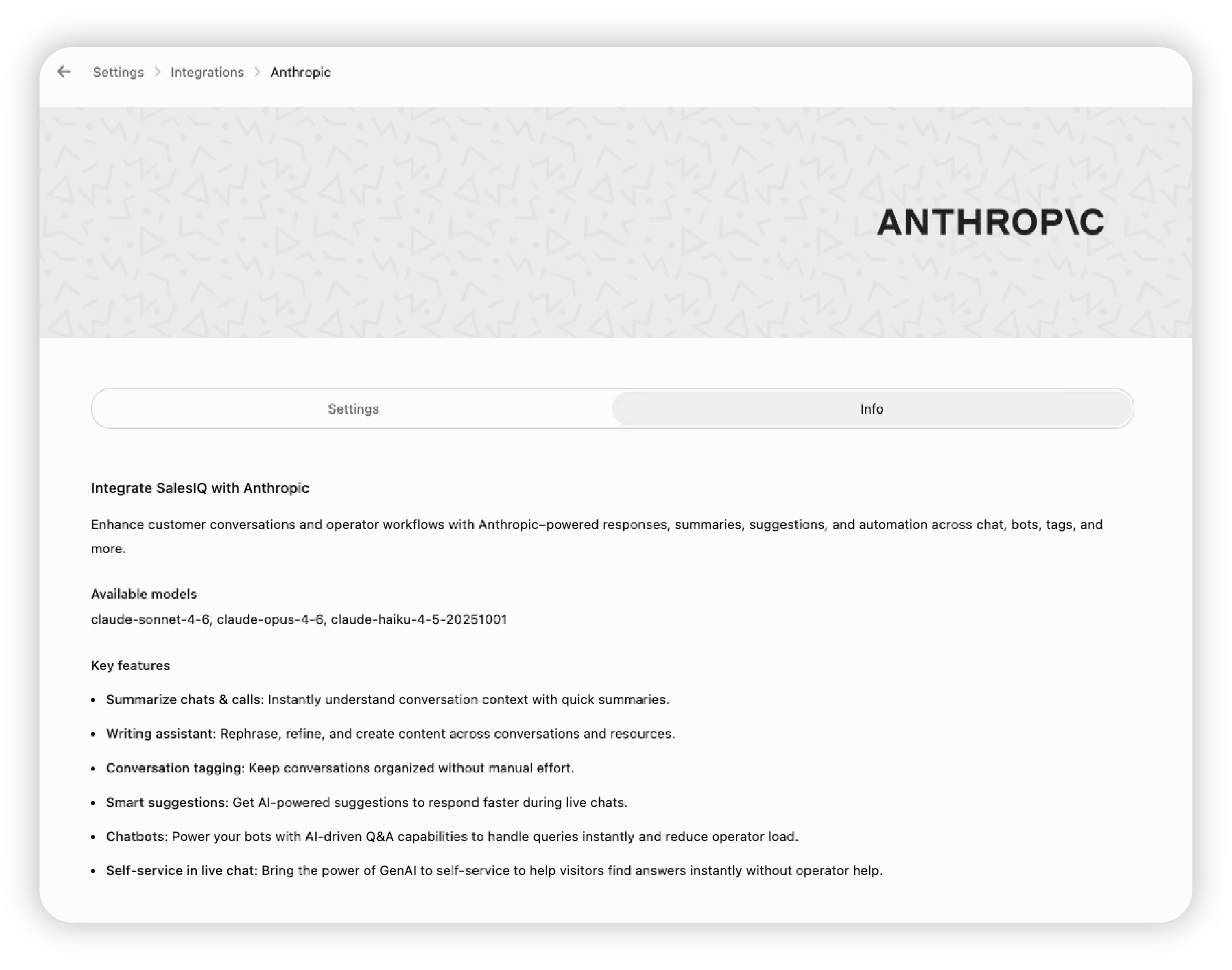
Select a supported provider and complete a point-and-click setup. Native options include Zia (Zoho’s own AI), OpenAI, Google AI, Anthropic, and DeepSeek.
Webhook connections
Connect another third-party, proprietary, fine-tuned, or self-hosted model through a webhook. Answer Bot sends the query out via webhook, the model processes it, and the response flows back into the chat.
This gives organizations the flexibility to adopt AI on their own terms while continuing to use SalesIQ as the conversational layer.
Native provider vs. webhook: Which path fits you?
| Criteria | Native provider | Webhook |
|---|---|---|
| Best for | Teams using Zia, OpenAI, Anthropic, Google AI, or DeepSeek | Teams using an unsupported third-party, proprietary, or self-hosted model |
| Setup | Select the provider and enter the required credentials | Provide your model’s endpoint URL and configure the request |
| Setup time | Usually a few minutes | Depends on the readiness of your endpoint |
| Where the model runs | With the selected provider | On your chosen infrastructure |
| Response behavior | Real time | Real time or asynchronous for models that need more processing time |
Both paths lead to the same outcome: Answer Bot runs on the model you trust, draws from the same knowledge base, and remains part of the same bot flow.
Even with a custom model, you keep Zia’s grounding
Switching to a different LLM does not mean losing what makes SalesIQ’s AI useful.
For each visitor query, Zia identifies the five most relevant resources from your SalesIQ resource library and passes them as a variable. You can include that variable in the request sent to your custom LLM, helping the model generate a response grounded in your knowledge base instead of relying only on its general training data.
Bring your own reasoning engine. Keep your own facts.
See BYOAI in action: Two real-world scenarios
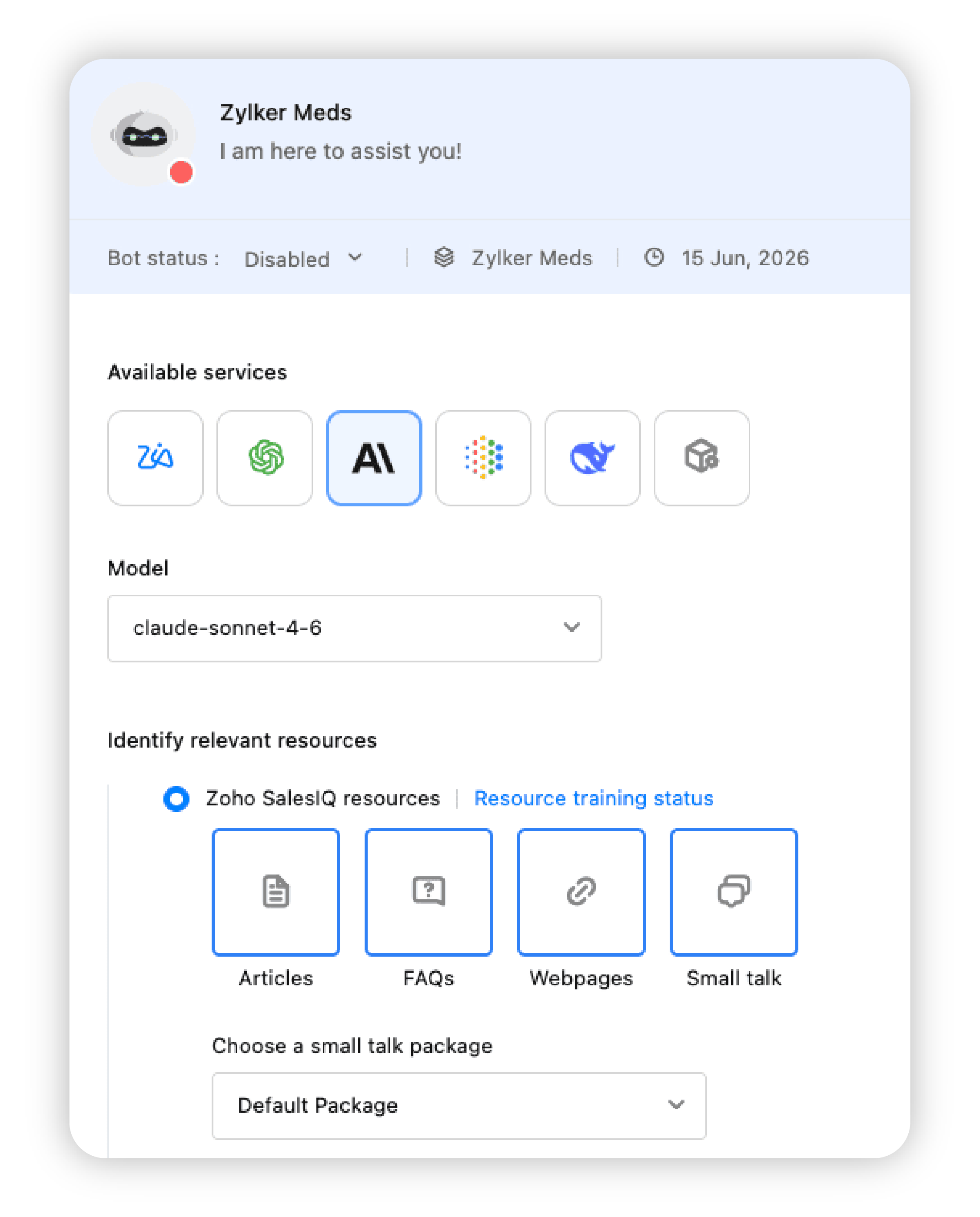
Scenario 1: Use an approved native provider
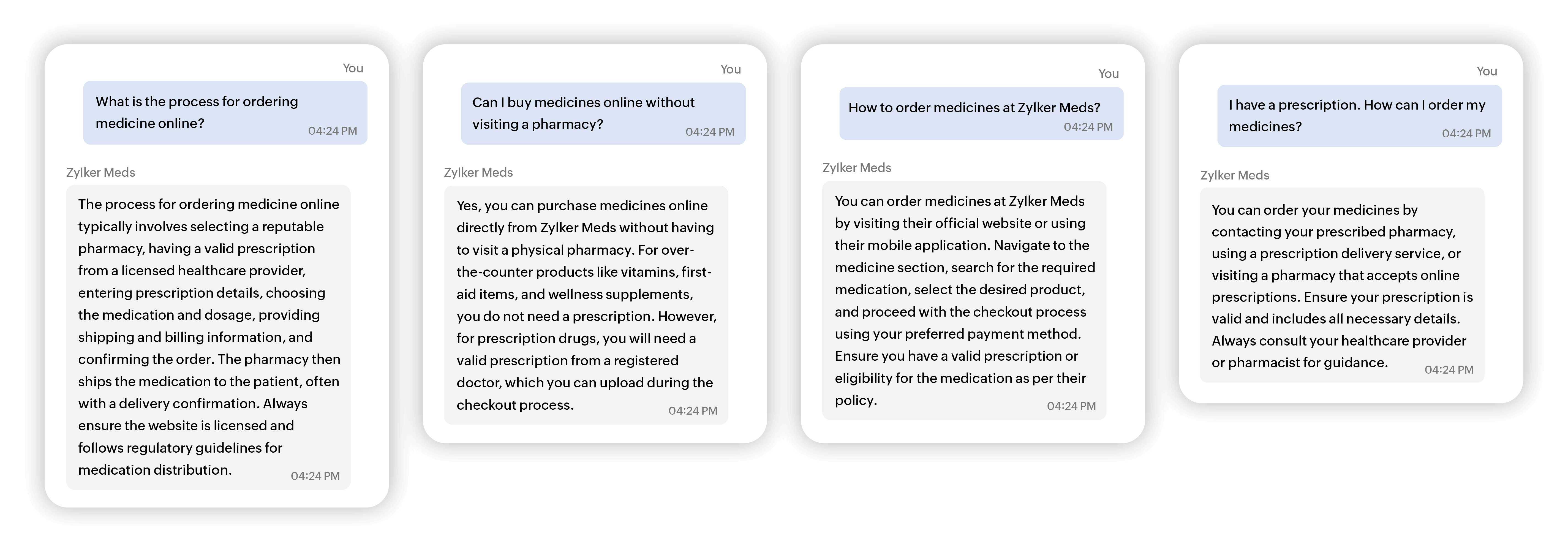
A pharmaceutical company has standardized on Anthropic across its AI stack. Its compliance team has already approved the provider and completed the internal review process. The company now wants its SalesIQ Answer Bot to use Anthropic instead of a default model.
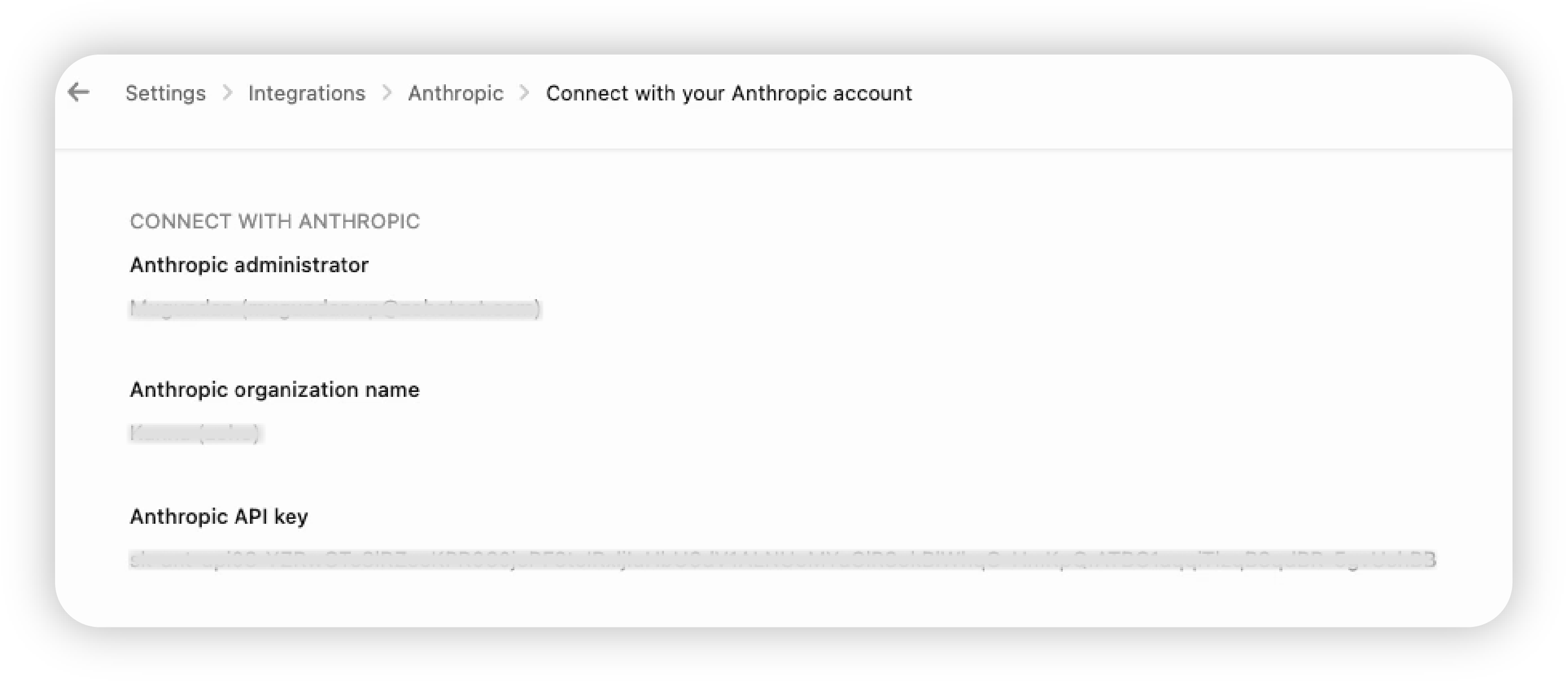
With BYOAI, the team selects Anthropic as the AI service in Answer Bot and enters the required API credentials. The bot continues to use the same knowledge base and flows, but its responses are generated by the model the organization has already vetted.
Scenario 2: Connect a proprietary model through a webhook
A healthcare company uses a proprietary model fine-tuned on its clinical documentation, formulary data, internal support protocols, and specialized terminology. The model is hosted on the company’s own infrastructure, and the team wants Answer Bot to use it.
With BYOAI’s webhook option, the company connects Answer Bot to the model’s endpoint. Answer Bot sends the visitor’s query through the webhook, the proprietary model generates a response, and SalesIQ delivers it inside the conversation.
For models that require more processing time, SalesIQ also supports asynchronous webhook calls, so the integration is not limited to a strictly real-time exchange.
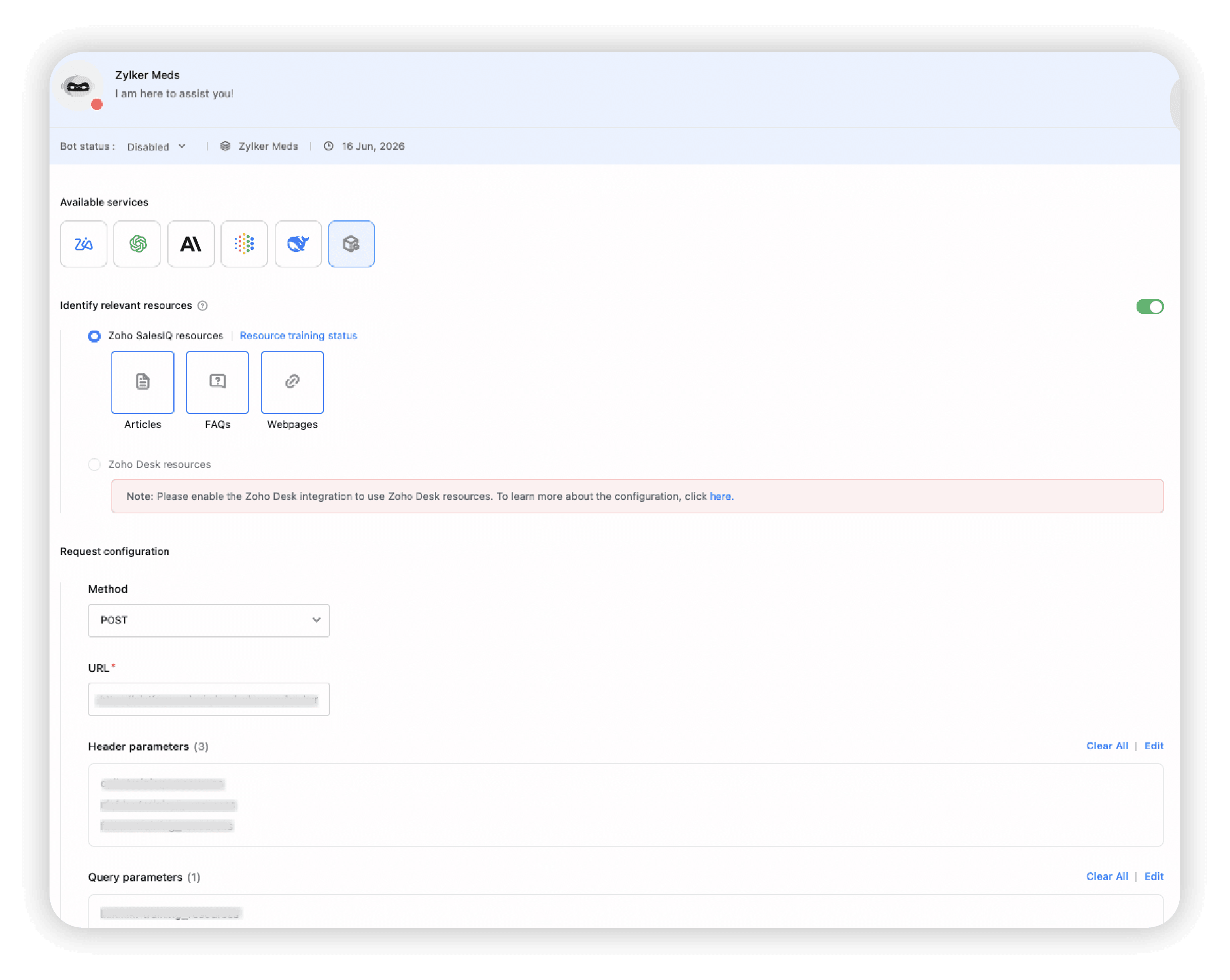
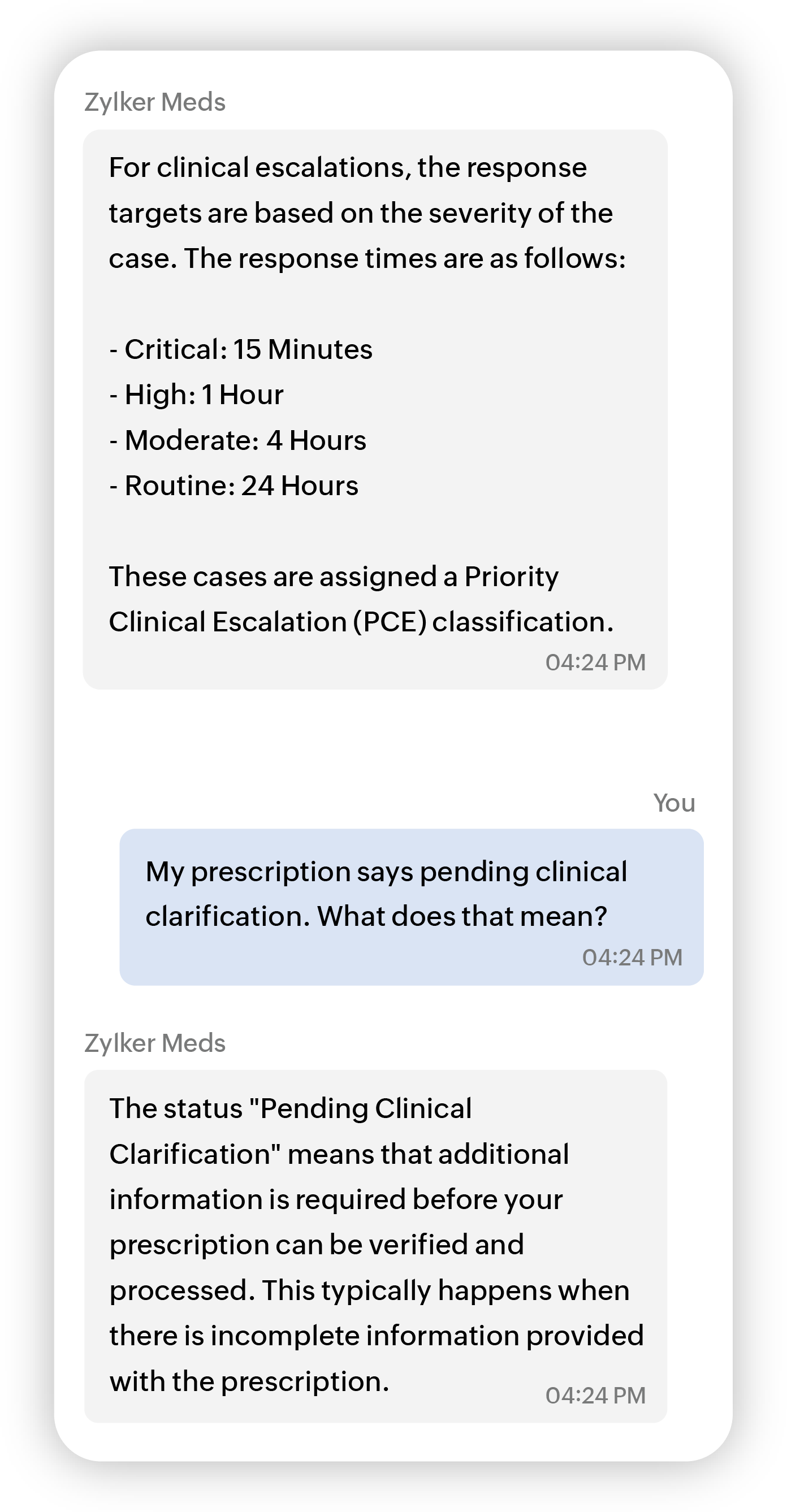
Your model handles the reasoning. SalesIQ handles the conversation.
How to set up Bring Your Own AI (BYOAI) in Zoho SalesIQ
You can configure BYOAI in two places, depending on how you use Answer Bot.
Configure BYOAI in Answer Bot settings
- Go to Settings > Answer Bot.
- Select the Answer Bot you want to configure, then open Resources.
- Under Available Services, choose Zia, OpenAI, Anthropic, Google AI, or DeepSeek for users in the China data center.
- To use another model, select Custom Service and configure the webhook.
- Configure the resource library and fallback behavior.
- Click Save.
Configure BYOAI in the Codeless Bot Builder
- Open your bot flow and click the card holder (+) icon.
- Add the Question Answering card from the AI Cards section.
- Choose SalesIQ’s resource library or the Zoho Desk knowledge base as the resource source.
- Under Available Services, select a native AI provider or choose Custom Service to connect a webhook endpoint.
- Set the answer response, fallback response, and any follow-up actions.
- Click Save. The card will now generate responses using the configured model.
Frequently asked questions
Which LLMs does SalesIQ support natively?
SalesIQ supports Zia, OpenAI, Anthropic, Google AI, and DeepSeek for users in the China data center. Other models can be connected through a webhook.
Can I connect a model my company built in-house?
Yes. Select Custom Service and point Answer Bot to your model’s endpoint. SalesIQ can send visitor queries to the model and receive the generated responses through that connection.
Does switching LLMs mean losing SalesIQ’s knowledge base grounding?
No. Zia can continue to identify relevant resources from your resource library and pass them to the selected model as context.
Does BYOAI work with real-time and asynchronous setups?
Yes. Native integrations run in real time. Webhook connections can support both real-time and asynchronous calls, depending on your model’s processing requirements.
Where can I configure BYOAI?
You can configure it in Answer Bot settings under Resources or inside the Codeless Bot Builder using the Question Answering card.
Ready to bring your own AI?
If AI capability was the goal but vendor restrictions were the blocker, that no longer has to be a dead end. Configure BYOAI in your SalesIQ account or speak with our team about setting it up for your use case.
Explore BYOAI in SalesIQ | Book a demo