10 best brand management tools for consistent content & branding
Without proper brand management tools, marketing teams struggle to juggle content across countless platforms. In the process, logos get outdated, messaging goes off-brand, and brand identity seems like a nice dream.
But brand consistency isn’t Mission Impossible. Brand management software can solve this chaos by organizing digital assets, streamlining the social media approval process, and keeping everyone aligned on brand guidelines.
Tools like Planable reduce panic and restore order to the content workflow. The platform now offers an all-in-one workspace that handles brand oversight, content creation, and multi-platform publishing for a spotless brand reputation.
So, yes, you can have consistent branding (and more) without headaches. Let’s see how brand management software can help.
Brand management tools are software solutions that help teams organize brand assets, maintain consistency, and coordinate marketing efforts across multiple platforms. They centralize digital assets like logos and templates while simplifying the review and approval process.
Brand management software connects creative teams with brand managers, tracks brand performance across marketing channels, and keeps everyone on the same page.
Why brand management matters
Good brand management isn’t just a wishlist item. Your business could be bleeding money without it, and your brand reputation could be damaged.
- Scattered assets cost real time and money.
When your designer spends 20 minutes hunting for the latest logo file, that’s wasted time. Now multiply that across every marketing campaign, social post, and email newsletter. Literally money down the drain.
- Inconsistent messaging confuses customers.
Your Instagram sounds casual, your LinkedIn feels corporate, and your Facebook presence has left the chat. It makes for an overall confusing and forgettable online presence.
- Approval bottlenecks delay campaign momentum.
Don’t let that brilliant campaign idea sit in limbo for months because the approval process involves infinite email chains, scattered feedback, and multiple revision rounds.
- Off-brand content damages reputation.
One social post with the wrong tone or outdated visuals can undo months of careful brand building. Without proper guidelines or oversight, you’re gambling with customer perception.
Creative teams are not happy when they’re constantly redoing work because of unclear brand direction or disorganized digital asset management. Managers get frustrated handling distractions instead of strategy, and good people may leave, taking their knowledge with them.
The right brand management approach prevents these expensive problems from happening in the first place.
Chaotic assets, inconsistent visuals, and slow approvals are only a few of the consequences of faulty brand management. Good brand management software is more than just a sophisticated solution for storing files. Here’s what else it brings to the table:
- Brand asset control and visual consistency.
Keep all digital assets organized in one place with version control, so your team can easily locate current brand materials.
- Improved collaboration across teams and clients.
Facilitate team collaboration through a shared workspace where feedback flows smoothly without endless email chains and scattered threads.
- Customizable approval workflows.
Set up approval processes that match your business processes, with simple sign-offs or complex multi-stage reviews.
- Real-time feedback and change tracking.
See exactly what changed, when, and why. Track revisions and comments so nothing gets lost in translation.
- Centralized calendar with multi-platform publishing.
Plan and schedule content across social media platforms from one dashboard, ensuring consistency and transparency.
- Built-in AI for faster, brand-aligned content creation.
Speed up content creation (and stay on brand) with a little help from your AI friend.
Below are the brand management tools that actually help keep teams in sync and content on-brand. Each one handles a different part of the puzzle, so read on to find the right fit for your workflow.
1. Planable: best for visual brand control and team collaboration
Planable helps you bring order to the chaos that content creation can often become. It gives creatives and brand managers a shared space to plan, polish, and approve every post, campaign, and asset, so everything looks and feels on-brand before it goes live.
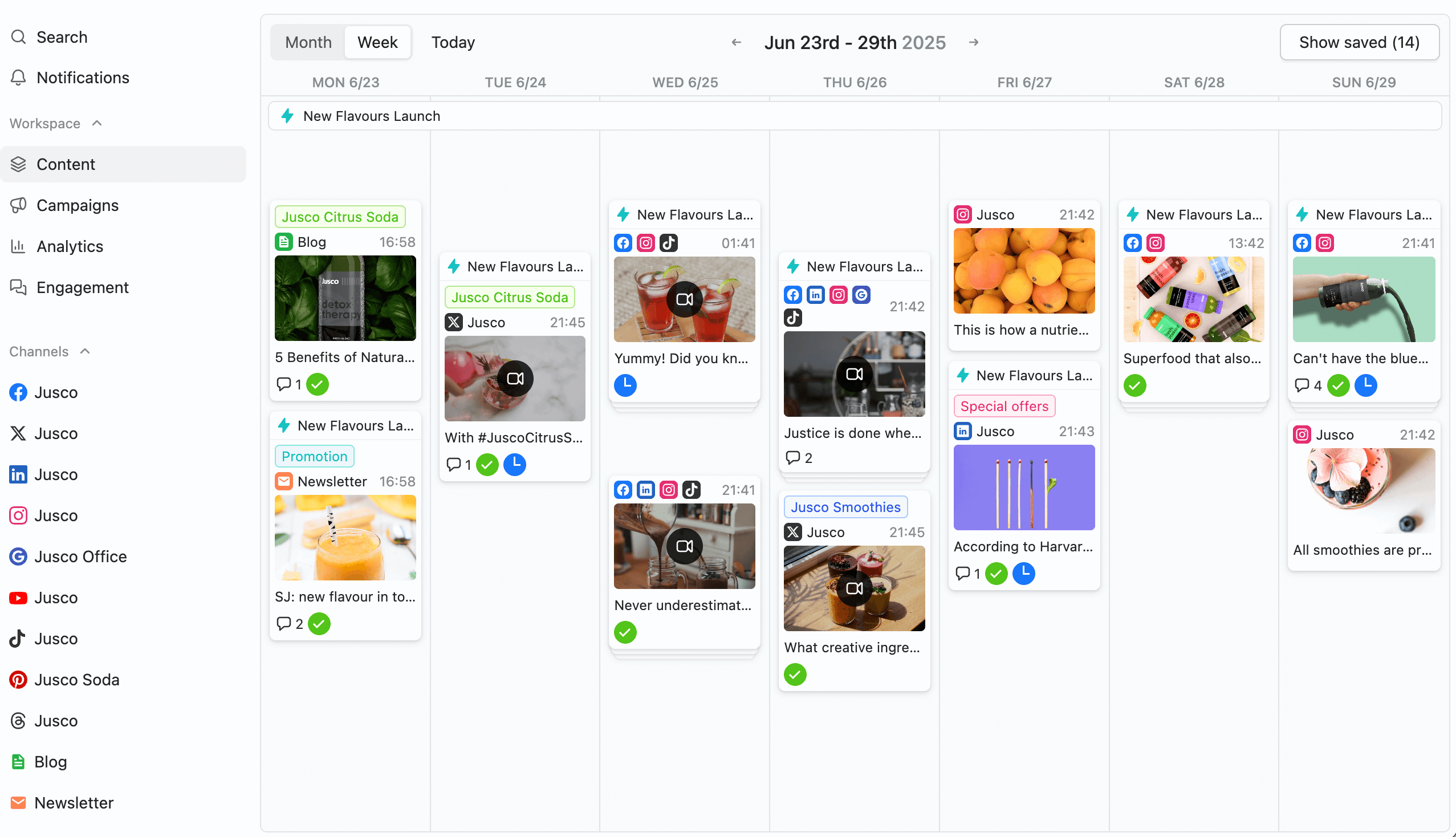
Planable’s content calendar provides a clear week-by-week overview of scheduled social posts across all channels.
Here are a few features social media peeps love:
- Plan, create, approve, and publish content across 9 platforms from one place.
Manage your entire social media marketing strategy without platform-hopping or losing track of brand messaging. The scheduler also surfaces the top 2 engagement-optimized posting times per day per connected account, based on historical performance data.
- Keep messaging and visuals consistent with pixel-perfect previews.
See exactly how your content looks on each social media platform before publishing, preventing mishaps.
- Use dedicated workspaces for each brand or client.
Separate different marketing campaigns and brand guidelines so nothing gets mixed up or goes off-brand.
- Collaborate in real time with internal comments and annotations.
Feedback that stays organized and actionable? Yes, it’s achievable with Planable.
- Manage brand feedback with clear roles and multi-level approvals.
Customize your content approval workflow to match your brand management strategy and business processes. Planable’s approval workflow now includes a Kanban view (My Approvals) for triaging pending content across all brand workspaces in one place.
- Maintain alignment with built-in AI, Canva integration, and universal content support.
Create on-brand content faster while ensuring every piece matches your brand’s mission and personality.
- Share filtered views of your calendar with clients or teammates.
Show internal and external stakeholders exactly what they need to see with guest view links, without overwhelming them with irrelevant details by setting custom roles and permissions.
Calendar
Planable’s content calendar is bound to become your new (and super-organized) work bestie. You can use it to keep everyone focused and on track by:
- organizing content by brand, campaign, or marketing channel
- seeing the bigger picture or going granular on posts
- filtering views by platform, team member, or approval status
Collaboration
Collaboration in Planable is both easy and brand management-friendly. Teams can leave comments, assign roles, and track feedback all in one place. Designers can tweak and refine content while brand managers keep an eye on everything. Every suggestion and revision is saved.
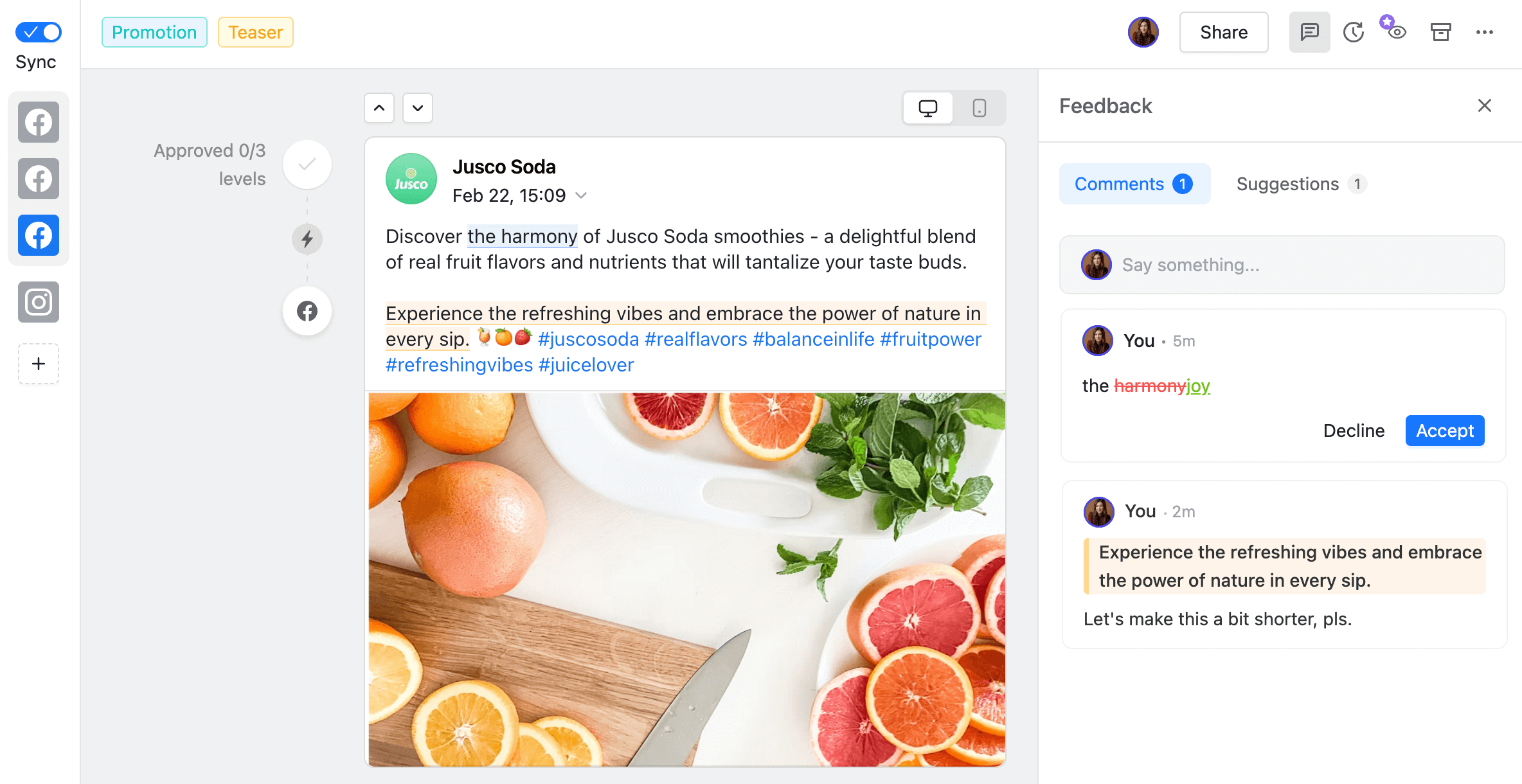
The comments & suggestions feature in Planable enables teams to give direct, collaborative feedback on post drafts.
Approvals
As a freelancer managing several clients, I know how important it is to have a content review and approval process that fits the way you actually work. With Planable, you can set up simple sign-offs or build out multi-step reviews with collaborators and stakeholders. Workflows are flexible, easy to manage, and keep brand alignment front and center.
Pricing: Free trial available. Paid plans start at $33/workspace/month.
Drawbacks: Planable doesn’t offer CMS integrations for web publishing or built-in social listening tools yet.
2. Sprout Social: best for online reputation management
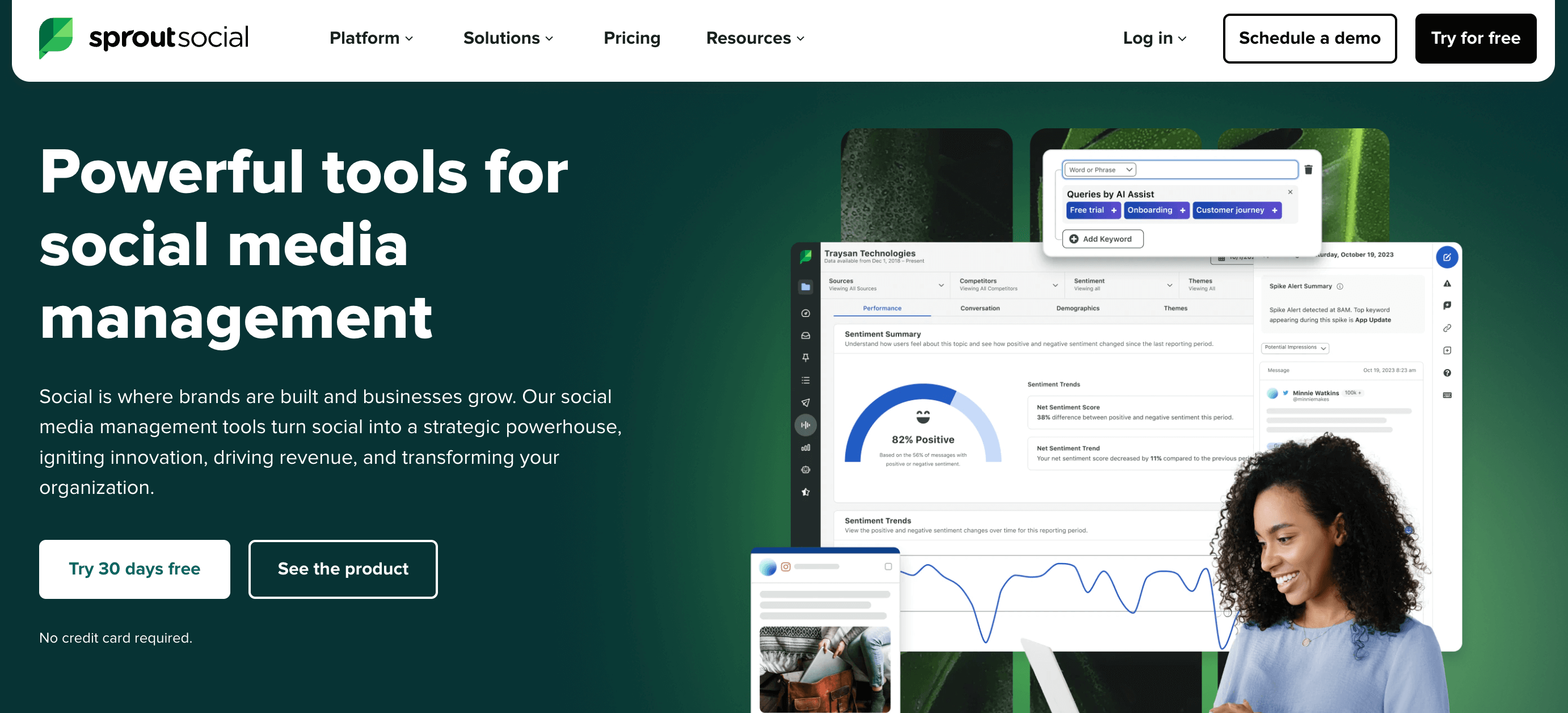
Sprout Social combines social media management with brand reputation tracking. It’s best suited for marketing teams who need to monitor brand mentions, analyze customer sentiment, and respond quickly to maintain brand equity across social platforms.
Key features
Here’s what makes Sprout Social valuable for brand management:
- Unified inbox for managing customer interactions across platforms
- Sentiment analysis that tracks how people feel about your brand
- Comprehensive analytics dashboard showing brand performance metrics
3. Dash Social: best for brand intelligence and social performance
Dash Social’s brand-specific intelligence analyzes social content and performance to show what drives results across owned, creator, and paid social. It’s built for social-first enterprise brands that need a clear, connected view of performance to make smarter decisions with confidence.
Key features
Here’s what makes Dash Social stand out for brand management:
- Integrated social workflows to plan, publish, manage creators, monitor conversations, and report on performance from one platform.
- Predictive AI tools to help teams identify which photos and videos are most likely to resonate before publishing.
- Generative AI features that turn brand guidelines, historical performance, and audience signals into on-brand creative teams can generate, adapt, test, and scale faster.
4. Frontify: best for brand asset management
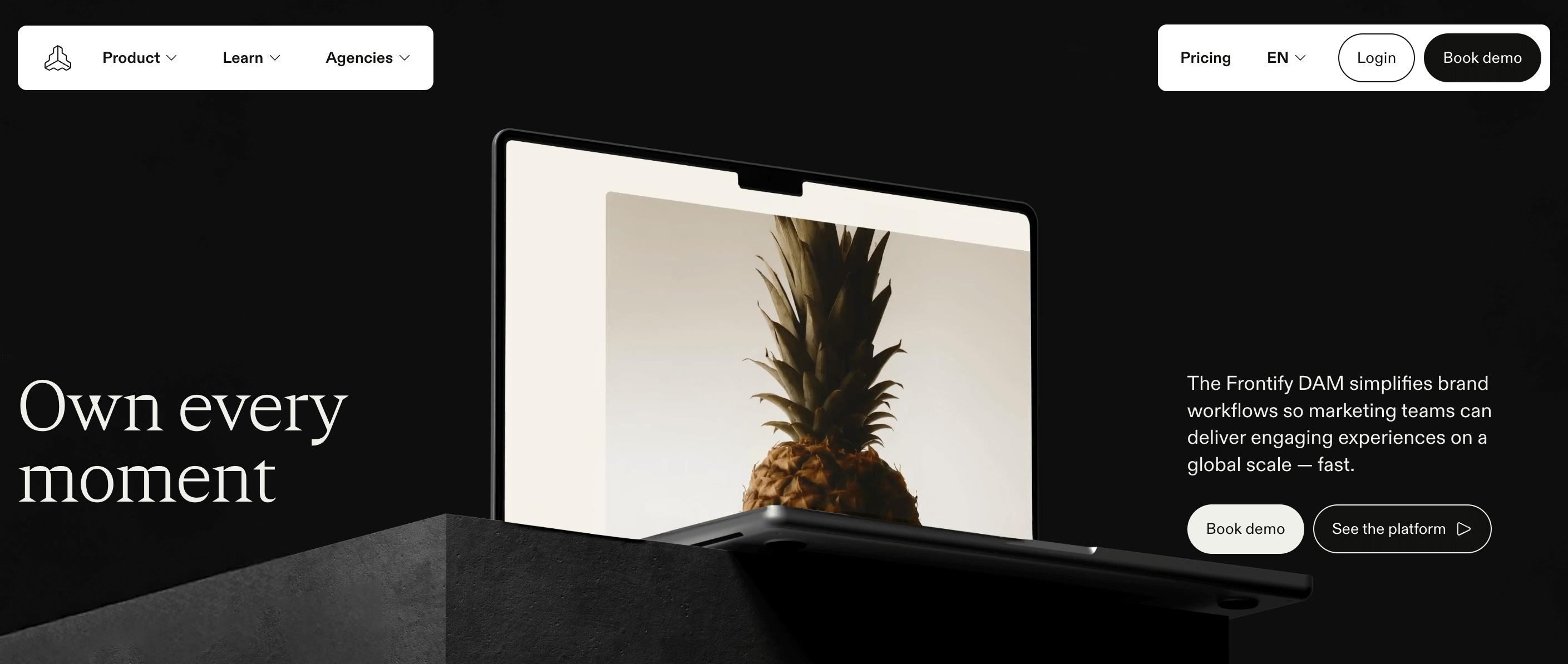
Frontify centralizes brand assets and guidelines in one digital asset management platform. Brand managers use it to ensure marketing materials stay consistent while giving creative teams easy access to approved logos, templates, and brand positioning documents.
Key features
Frontify’s strength lies in 3 core areas:
- Brand guideline editor for creating comprehensive style guides
- Advanced asset tagging and search capabilities
- Customizable templates that maintain consistency across marketing campaigns
5. Loomly: best for brand-guided scheduling
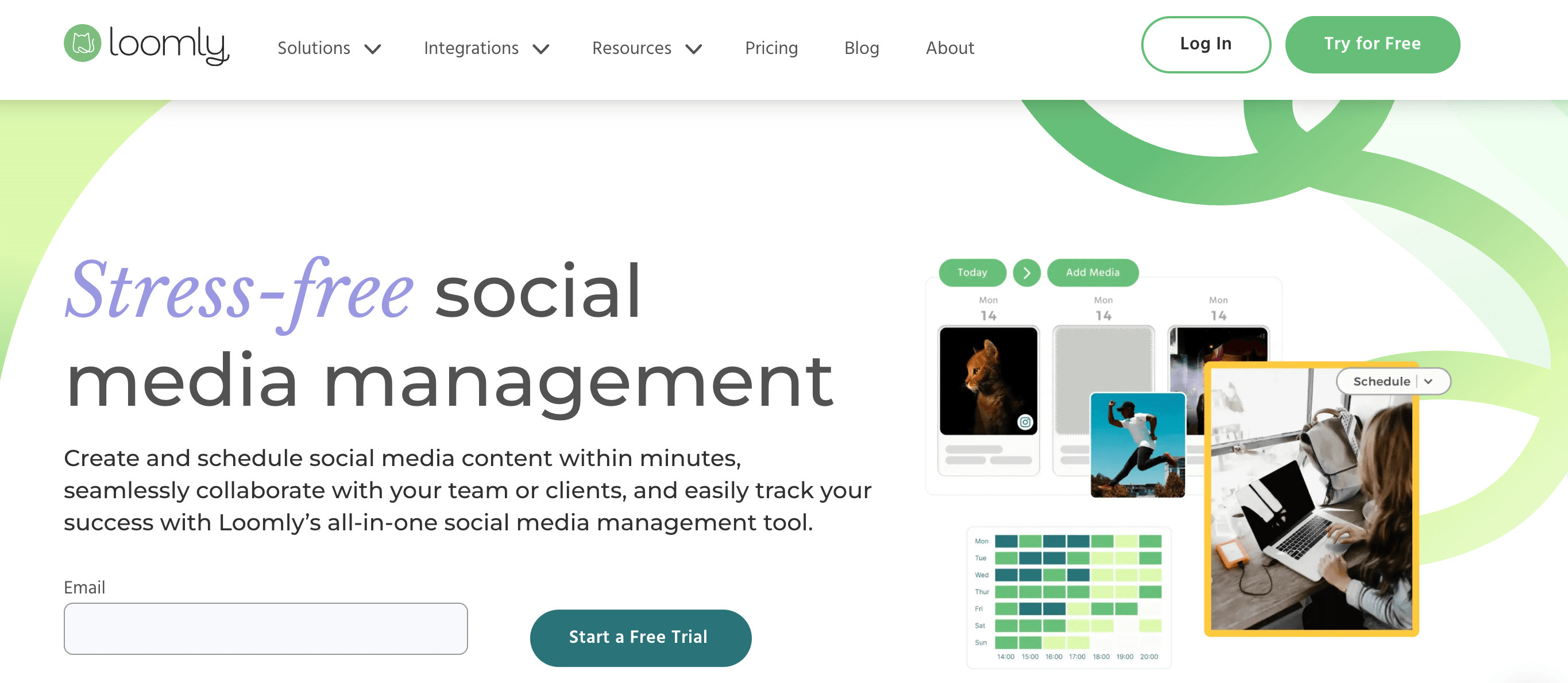
Loomly focuses on content calendar management with built-in brand guideline reminders. Marketing teams can schedule posts across multiple platforms while maintaining brand voice and visual consistency through automated checks and approval workflows.
Key features
The platform offers important brand management features:
- Multi-channel scheduling for consistency across platforms
- Real-time content previews for brand identity checks
- Customizable approval workflows for improved project management
6. Canva for Teams: best for designs that reflect brand personality
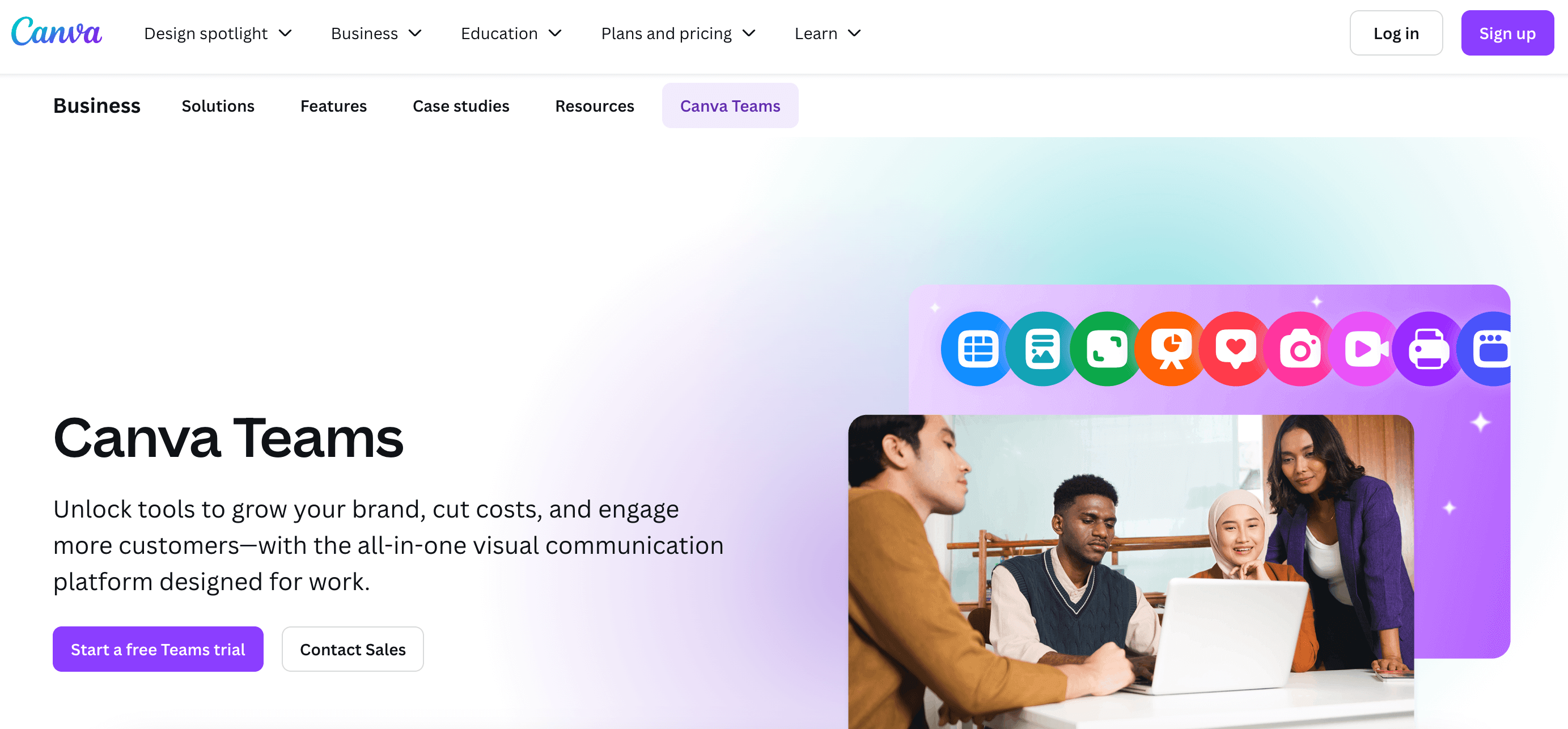
Canva for Teams gives you design freedom while maintaining an on-brand experience. The platform enforces guidelines automatically, so even non-designers can create marketing materials that align with your brand identity and visual standards.
Key features
With Canva for Teams, users benefit from:
- Brand kit enforcement that automatically applies logos, colors, and fonts to new designs
- Pre-built templates that speed up content creation while maintaining consistency
- Team commenting features that facilitate collaboration
7. CoSchedule: best for integrated marketing campaign management
CoSchedule connects content creation with your broader marketing strategy. Marketing teams can link digital assets to specific campaigns while tracking how different efforts support overall brand positioning and customer engagement goals.

Key features
The platform delivers:
- A unified marketing calendar that hosts all campaigns and brand initiatives
- Asset-task linking that connects digital content to specific marketing efforts
- An AI-powered optimizer for headlines and subject lines
8. Trello: best for simple brand project tracking
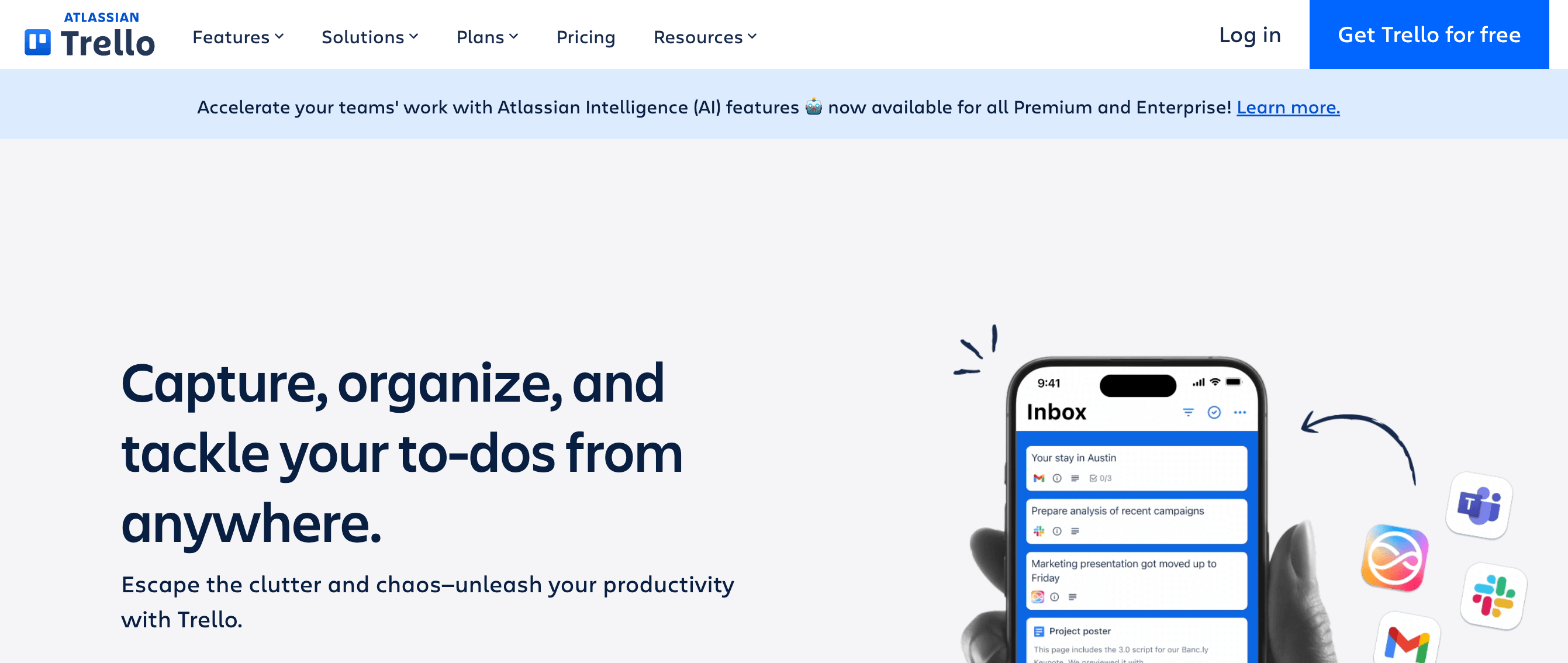
Trello offers basic project management for smaller marketing teams who need to organize brand-related tasks. It’s ideal for tracking creative projects and ensuring guidelines are followed through simple workflow management.
Key features
Trello provides these notable brand management features:
- Kanban boards for visualizing brand project progress and team collaboration
- Calendar view for scheduling marketing assets and campaign launches
- Custom workflows that can accommodate basic approval processes for brand-related content
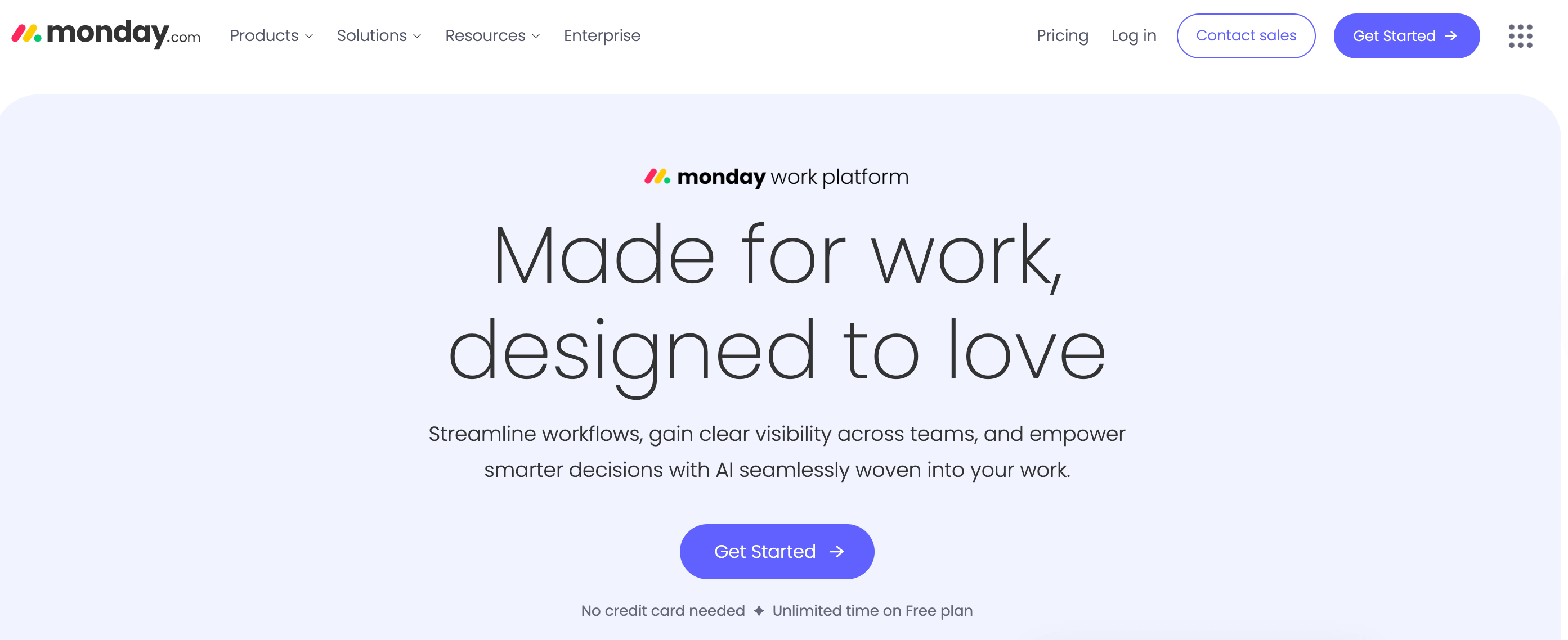
9. Monday.com: best for comprehensive brand workflow management
Monday.com handles complex brand management processes through visual project tracking. You can manage everything from creative projects to brand performance monitoring while maintaining clear approval processes and communication.
Key features
The platform shines if you need:
- Customizable approval forms and request systems for managing brand asset creation
- Visual workflows/boards that track brand projects from concept to completion
- Annotation tools that facilitate feedback on marketing materials and creative content
10. Vista Social: best for social media brand monitoring
Vista Social combines social media management with brand tracking capabilities. It’s useful for teams who need consistent branding across platforms while monitoring online reputation and customer engagement metrics.

Key features
Vista Social focuses on:
- Multi-platform content scheduling that maintains brand voice across channels
- Unified inbox for managing brand-related customer interactions and mentions
- Analytics tools that track brand visibility and social engagement metrics
Choose the right brand management tool for your team
The bottom line is that the best brand management tools match your team’s actual workflow. Freelance content creators need different features than enterprise brands. Social media teams require multi-platform publishing, while creative agencies prioritize collaboration features.
For those focused on brand-safe collaboration, visual content planning, and publishing across multiple platforms, Planable delivers the control and transparency that keeps everyone aligned from first draft to final post. Start you free trial today!
Sabina is a freelance writer with 15+ years of experience in the MarCom industry. Her to-do list includes helping people write better and businesses sell more through content. She is the host of Zest, a podcast that brings writing within listeners’ reach.