10 Best AWeber Alternatives for 2026 (Compared)
The best AWeber alternatives are Omnisend for ecommerce and multichannel marketing, Mailchimp for small businesses, Kit for bloggers and creators, ActiveCampaign for CRM and advanced automation, and Brevo for budget-friendly send-based pricing.
Five more round out the list for niche use cases: GetResponse, Drip, MailerLite, Klaviyo, and Moosend.
AWeber covers the basics for flows and newsletters, but it’s missing native SMS entirely, and its automation triggers are limited to opens, clicks, and tags rather than live cart value or product data. For these reasons, many brands start looking elsewhere.
This guide covers all 10, spanning their pricing, automation depth, ease of use, and the scope of their integrations, so you can find the right fit for your stack.
Turn one-time buyers into repeat customers with Omnisend’s ecommerce automation and SMS
Quick sign up | No credit card required
Best AWeber alternatives: Quick overview
- Best AWeber alternative for ecommerce > Omnisend
- Best alternative for small businesses > Mailchimp
- Best alternative for bloggers and creators > Kit or GetResponse
- Best alternative for data-rich, enterprise stores > Klaviyo or ActiveCampaign
- Best alternative for budget stores > Brevo or Moosend
10 best AWeber alternatives
These are the best AWeber alternatives in 2026. We’ve included email marketing software for ecommerce, small businesses, and creators:
1. Omnisend
Best for: Ecommerce stores of all sizes, lifecycle marketers, and multichannel brands.
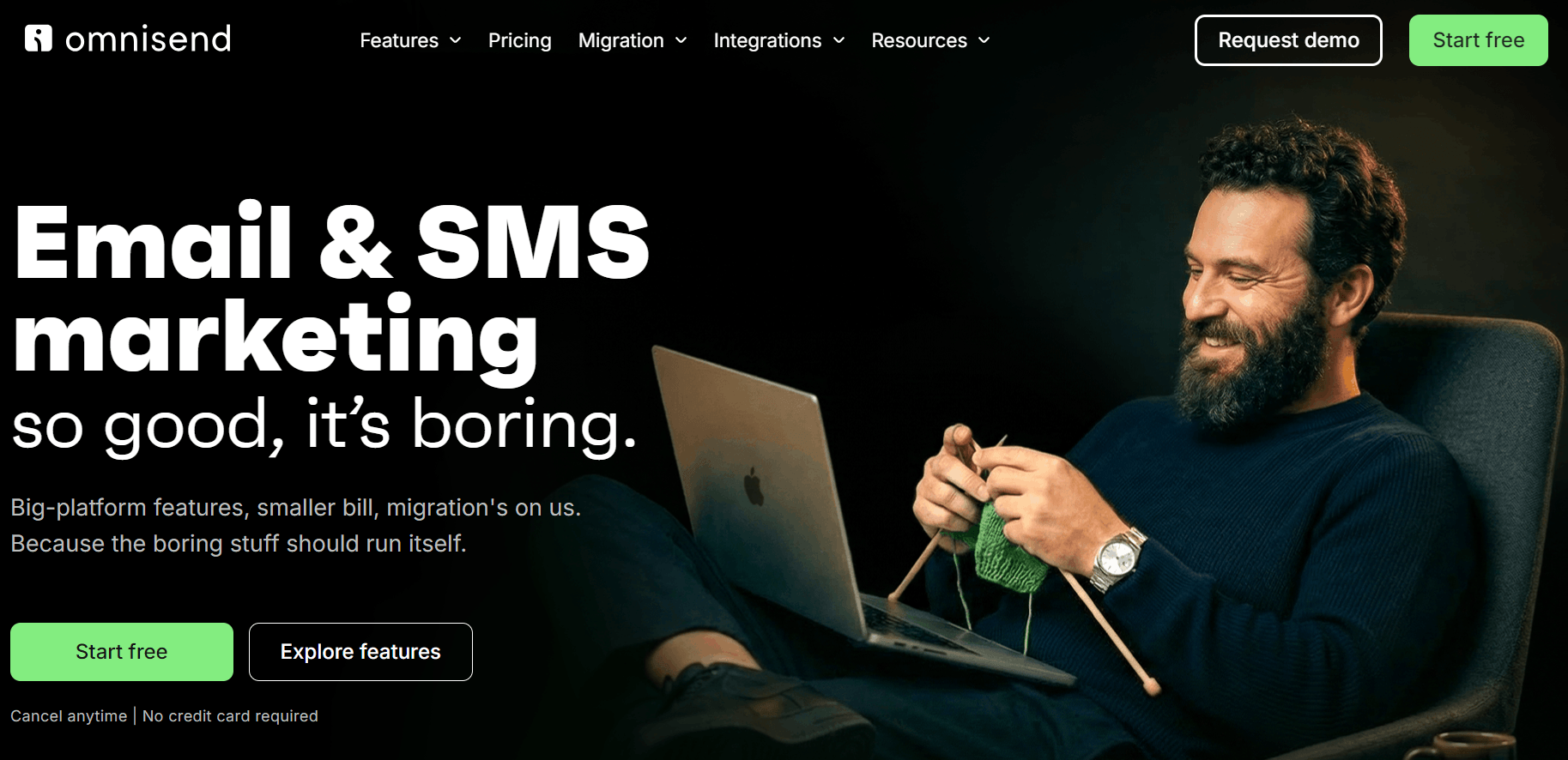
Omnisend integrates deeply with your store for personalized email, SMS, and web push notifications. Its omnichannel approach lets you combine all three channels into flows and reach customers at optimal moments.
Pros
- Deep Shopify integration: Syncs your customers, purchase history, browsing behavior, and events to trigger automations and move contacts between segments in real-time.
- Multichannel marketing: Create SMS + email + web push notification flows, as well as standalone campaigns for all these channels.
- Intuitive builders: The drag-and-drop builders for emails, forms, and landing pages ensure you can create professional content for your customer journey.
- Multi-store support: With one-click store switching and shared assets. Handle multiple stores without separate Omnisend accounts.
- Detailed reports: Including dedicated sales, campaigns, automations, segments, and forms reports. Campaigns also have clickmaps reports.
- A/B split testing: A feature of all plans for testing channels, messages, and subject lines. You can also split automations.
- Built-in AI features: Including lifecycle stage maps based on RFM analysis, a segment builder, generative AI for subject lines and content, and MCP integration. Standard plans have Forms AI, and Pro plans add the personalized product recommender.
Cons
- Limited CRM capabilities
- No discounts for annual plans
Pricing
Omnisend has three plans with contact-based pricing.
The Standard plan’s entry point costs $1 more than AWeber’s Lite plan. Yet AWeber’s Plus plan, at $30/month, is $14 more and is necessary to match Omnisend’s unlimited landing pages, lists, email automations, and segments.
- Free Forever. 250 contacts, 500 emails, and 500 web push notifications/month
- Standard. $16/month is the starting point, good for 500 contacts and 6,000 emails/month with unlimited web push notifications
- Pro. $59/month, provides unlimited emails/month for 2,500 contacts, also provides SMS availability for flows and campaigns
G2 rating: 4.6/5 based on 1230+ reviews.
2. Mailchimp
Best for: Basic automations and list-growth for small businesses and stores.
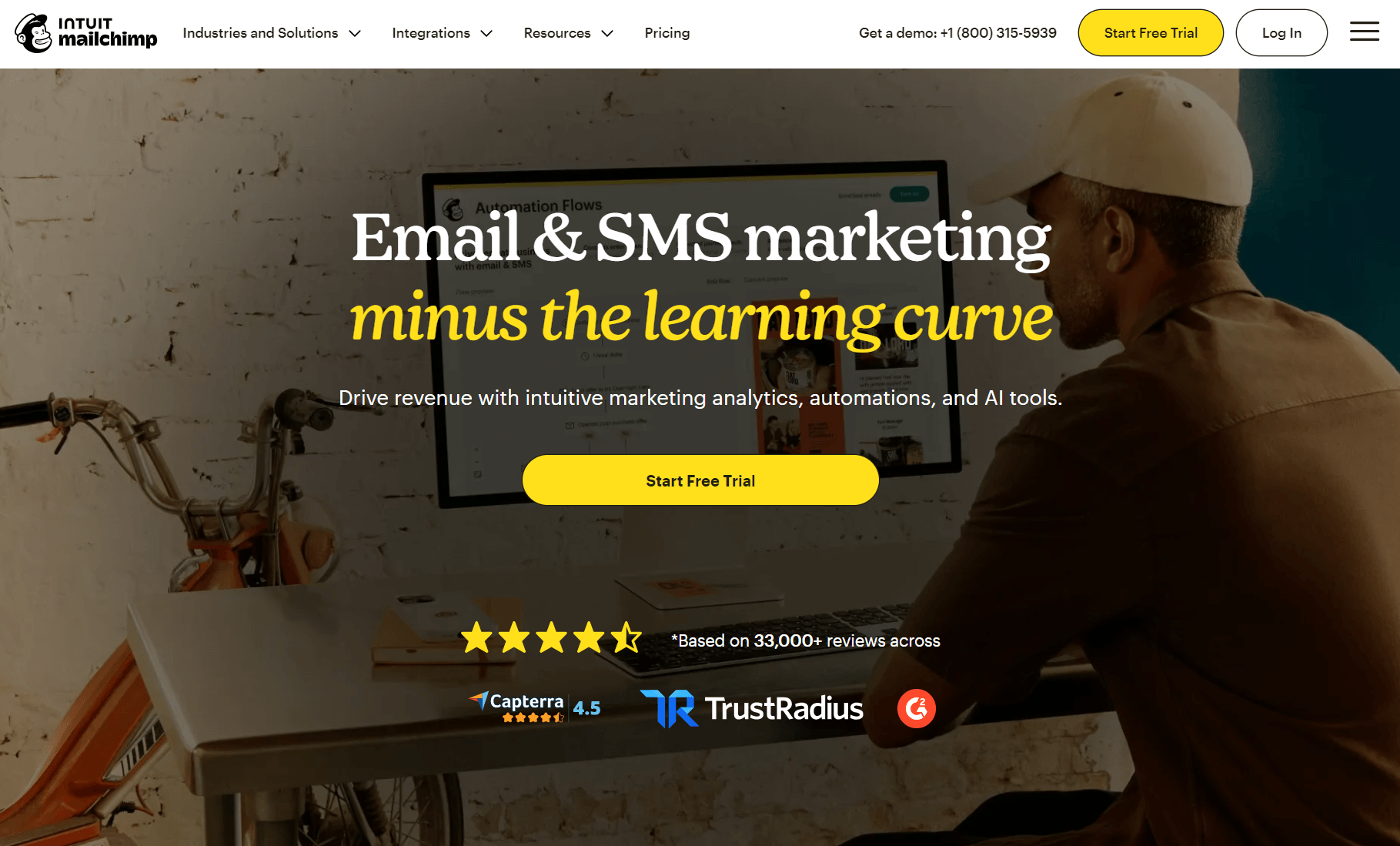
Mailchimp’s multi-step journeys have starting points, branching rules, and delays, letting you create more complex automations than with AWeber. It also ties revenue to your emails, with insights based on connected-store revenue.
Pros
- Multichannel flows: The Essentials plan lets you add the SMS add-on, with MMS available from the Standard plan. You can then add SMS to your email automations.
- Builder tools: The drag-and-drop builder is one of the easiest to learn, and there are more than 100 pre-built email templates to edit.
- List-building tools: All plans have popups, landing pages, and forms, plus the content studio for syncing and managing your digital assets.
- Surveys: Makes it a distinct AWeber alternative for collecting feedback. Embed surveys into your emails without a third-party app.
- 300+ integrations: More native apps than AWeber, including for Shopify and multiple Shopify apps. Provides an ecosystem more comparable to Omnisend’s.
Cons
- Less ecommerce focus than Omnisend
- No creator features
- Significant feature restrictions in Free and Essentials plans
Pricing
Mailchimp has four plans with contact-based pricing.
- Free. For 250 contacts, you can send 500 emails/month.
- Essentials. $13/month for 500 contacts and a 10x contact count send limit. Restricts generative AI, dynamic content, reporting tools, behavioral targeting, predictive segmentation, and more.
- Standard. Adds the above features at $20/month for 500 contacts and a more generous 12x contact count send limit.
- Premium. A $350/month minimum plan for 10,000+ contacts.
G2 rating: 4.3/5 based on 12,980+ reviews.
3. ActiveCampaign
Best for: Ecommerce stores requiring CRM capabilities, such as lead scoring, in addition to advanced email automation.
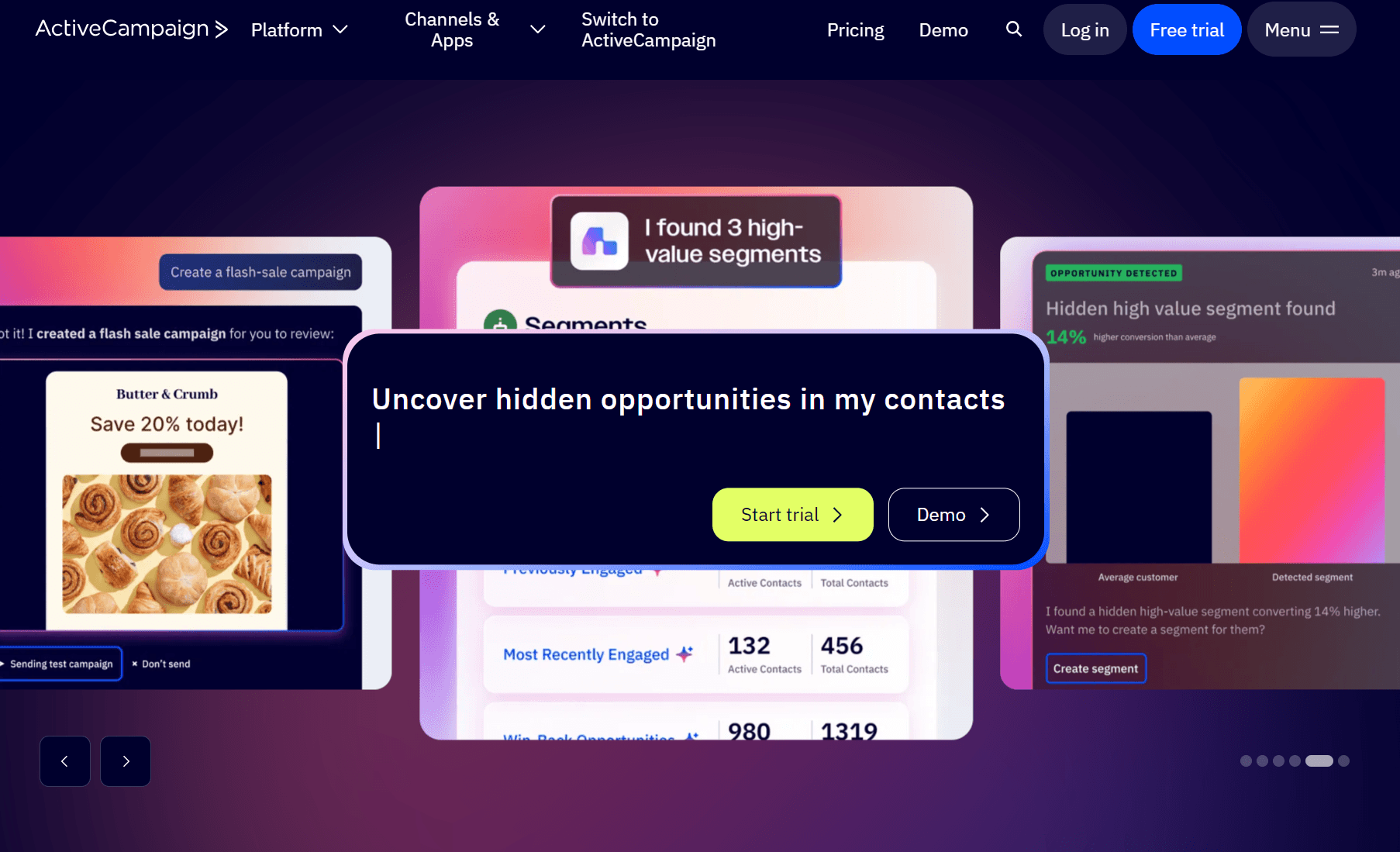
ActiveCampaign offers the most advanced automation and sales pipeline features for enterprise ecommerce. It has a significant learning curve, but AWeber can’t match its depth across customer data and flows.
Pros
- 950+ automation recipes: Spanning all channels, with multiple steps and unlimited actions per automation from the Plus plan.
- SMS marketing: Available as a paid add-on in all plans. You can create SMS campaigns and add SMS to your email flows.
- Predictive sending: An AI feature available from the Pro plan. It analyzes your customer data and sends campaigns at optimal times.
- 250+ pre-built email templates: More than AWeber and Mailchimp. You can edit them in the drag-and-drop editor and use HTML.
- CRM: Includes contact profiles, custom fields, tags, and lists. Enterprise customers can integrate Salesforce and Microsoft Dynamics.
Cons
- Sales and marketing features are overkill for small to mid-size stores
- The enhanced CRM with pipelines is a paid add-on
- Significant feature restrictions below Pro, including attribution and conversion tracking, and integrations for BigCommerce and Shopify Plus
Pricing
ActiveCampaign has four plans with contact-based pricing, starting at 1,000 contacts. Unlike Omnisend and Mailchimp, it doesn’t provide a free plan.
- Starter. $19/month for 1,000 contacts.
- Plus. $59/month for 1,000 contacts.
- Pro. $89/month for 1,000 contacts.
- Enterprise: $159/month for 1,000 contacts.
G2 rating: 4.4/5 based on 14,720+ reviews.
4. GetResponse
Best for: Marketers and creators wanting basic email automation alongside landing pages, websites, and monetization.
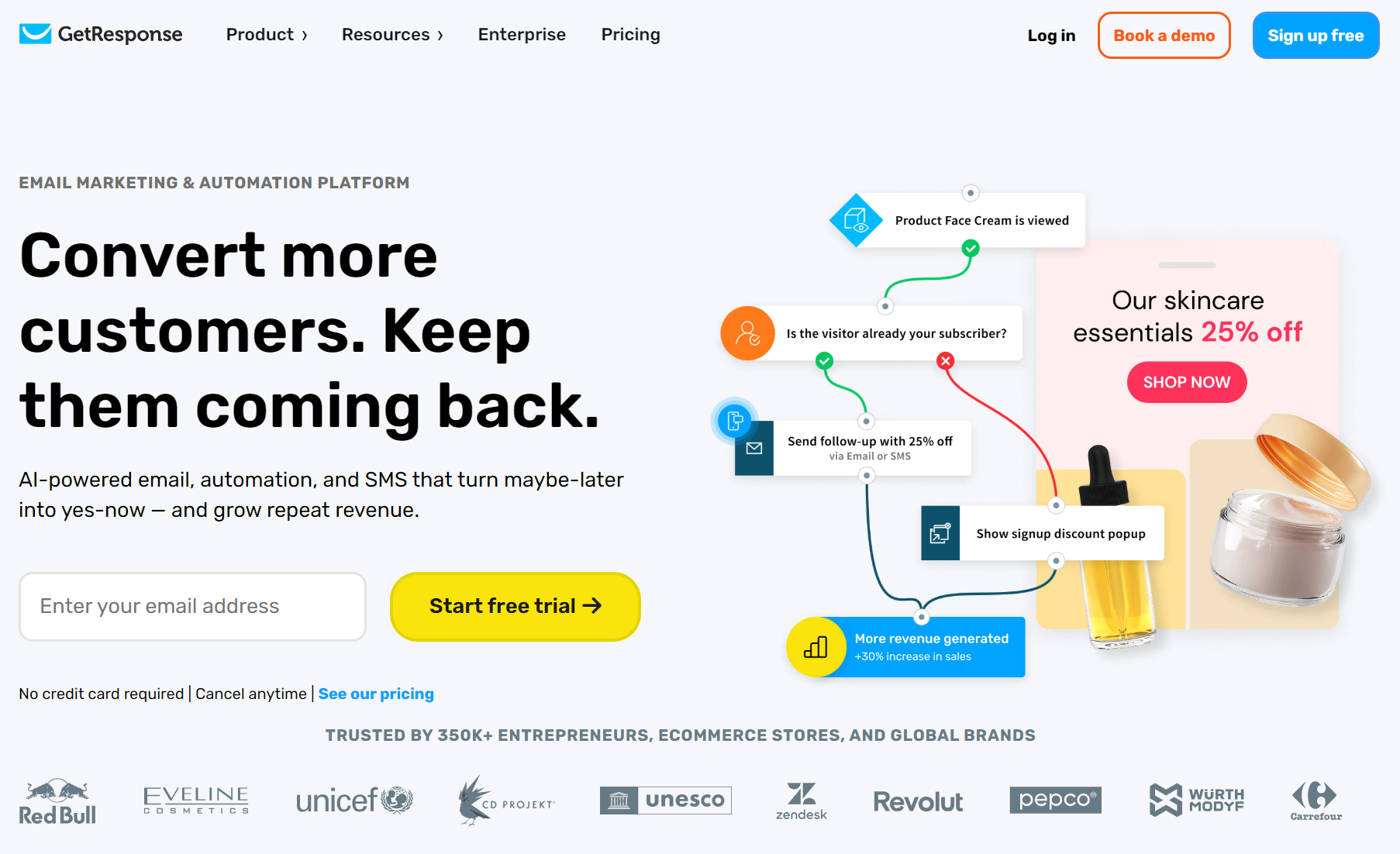
GetResponse is most valuable as a contained platform for paid content. Use it to build a website, grow your email list, and then sell courses, memberships, host webinars, and market to your audience to increase retention.
Pros
- Creator features: Requires the Creator plan. Includes a website builder, a membership area for your website, a course creator, monetizable newsletters, and webinars.
- Cheap unlimited emails: Unlimited sends from $19/month. Suitable for newsletters and basic flows, such as welcome and thank-you emails.
- Conversion funnels: From the Marketer plan. Tracks your leads, lead magnets, and sales, as well as webinars if you have the Creator plan.
- List-building tools: You can create popups, embedded banners, and forms with view limits and display rules, such as on exit-intent.
- Onboarding session: Included regardless of your monthly spend. Chat and email support are also included.
Cons
- Has a larger learning curve than AWeber
- SMS marketing is only available from Enterprise
- Ecommerce features, such as purchase-based automations and revenue tracking, require the Marketer plan
Pricing
GetResponse has four plans with unlimited email sends in all of them. You pay for contacts and feature access rather than increasing your send limits.
- Starter. $19/month for 1,000 contacts. Covers newsletters and basic flows.
- Marketer. $59/month for 1,000 contacts. Adds contact scoring and event- and purchase-based automation.
- Creator. $69/month for 1,000 contacts. Provides a course creator and lets you build premium newsletters with paid subscriptions.
- Enterprise. A custom plan for ecommerce. Includes a dedicated sending domain, IP address, SSO, SMS marketing, and transactional emails.
G2 rating: 4.3/5 based on 1,130+ reviews.
5. Kit
Best for: Creators with paid newsletters and recurring subscriptions wanting one tool for marketing and sales.
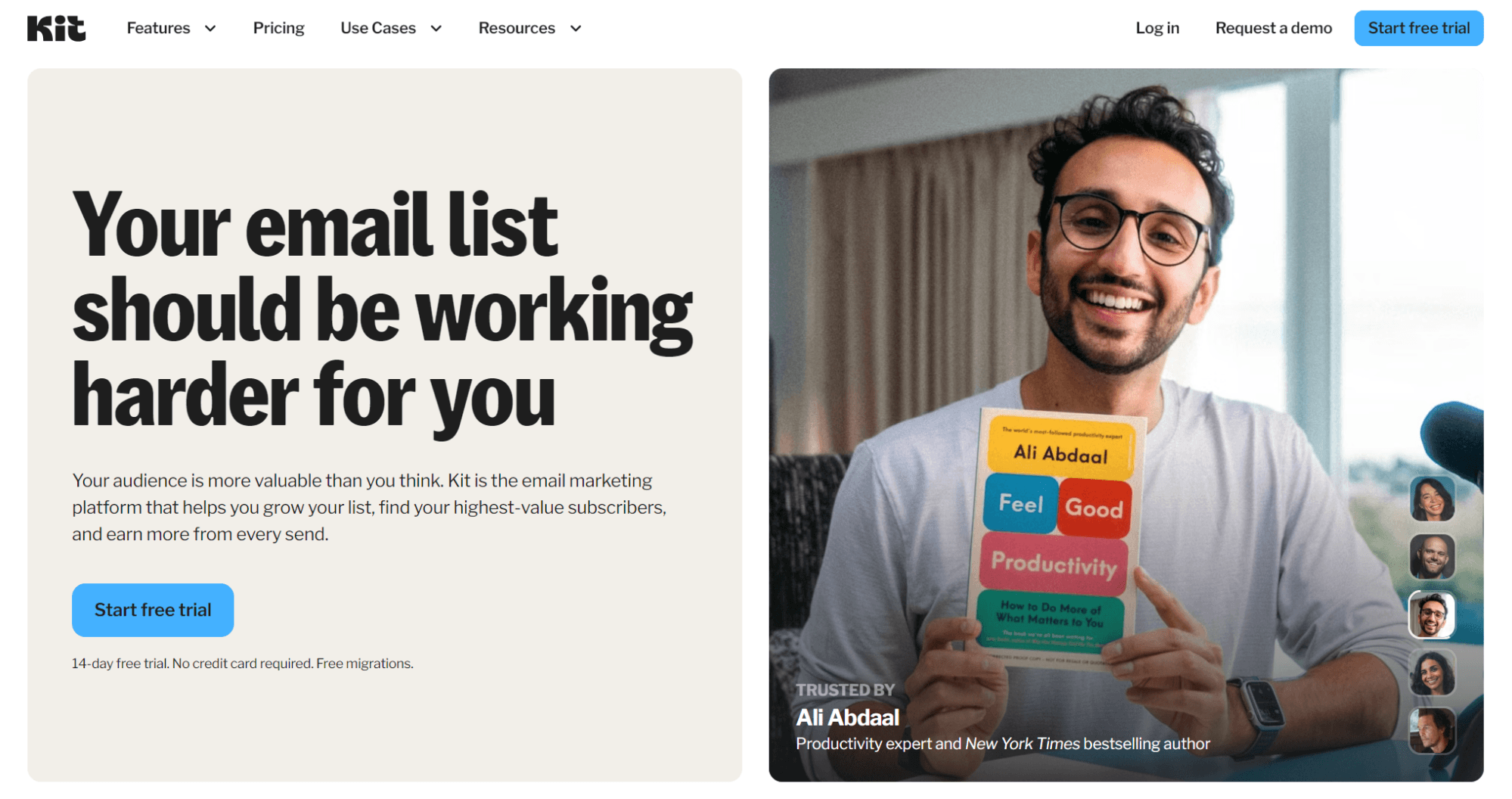
Kit’s monetization ecosystem has everything you need to sell. You can build a website with sales pages and a checkout, charge subscribers access to your paid newsletters, collect tips, and earn by recommending others in your content.
Pros
- Generous free plan: It’s suitable for marketers and creators primarily sending newsletters and bulk campaigns.
- Content monetization: There are more features than AWeber and GetResponse here, letting you sell digital products, paid newsletters, recurring subscriptions, set up virtual tip jars, and get paid for recommending other creators.
- Kit University: An extremely helpful resource if you’re a new creator or ecommerce store looking to monetize content but don’t know where to start.
- Audience growth tools: Including landing pages, forms, a newsletter feed, and a website. You get a free Kit domain, or can connect your custom domain.
Cons
- Email marketing essentials, such as deliverability reports, subscriber engagement scoring, and advanced A/B testing are restricted to the Pro tier
- It’s built around its own ecommerce and monetization ecosystem, making it less suited for Shopify and WooCommerce stores
Pricing
Kit has a free plan for newsletters and two paid plans for creators.
- Newsletter. The free plan for 1,000 subscribers and unlimited email broadcasts. It lets you sell digital products and paid newsletters.
- Creator. $33/month for 1,000 subscribers. Adds unlimited automations and email sequences, MCP integration, and Smart Recommendations.
- Pro. $66/month for 1,000 subscribers. Provides access to the newsletter referral system, email scheduling, and deliverability reporting.
G2 rating: 4.4/5 based on 230+ reviews.
6. Brevo
Best for: One platform for your sales and basic automation requirements, depending on whether send-based pricing works for you.
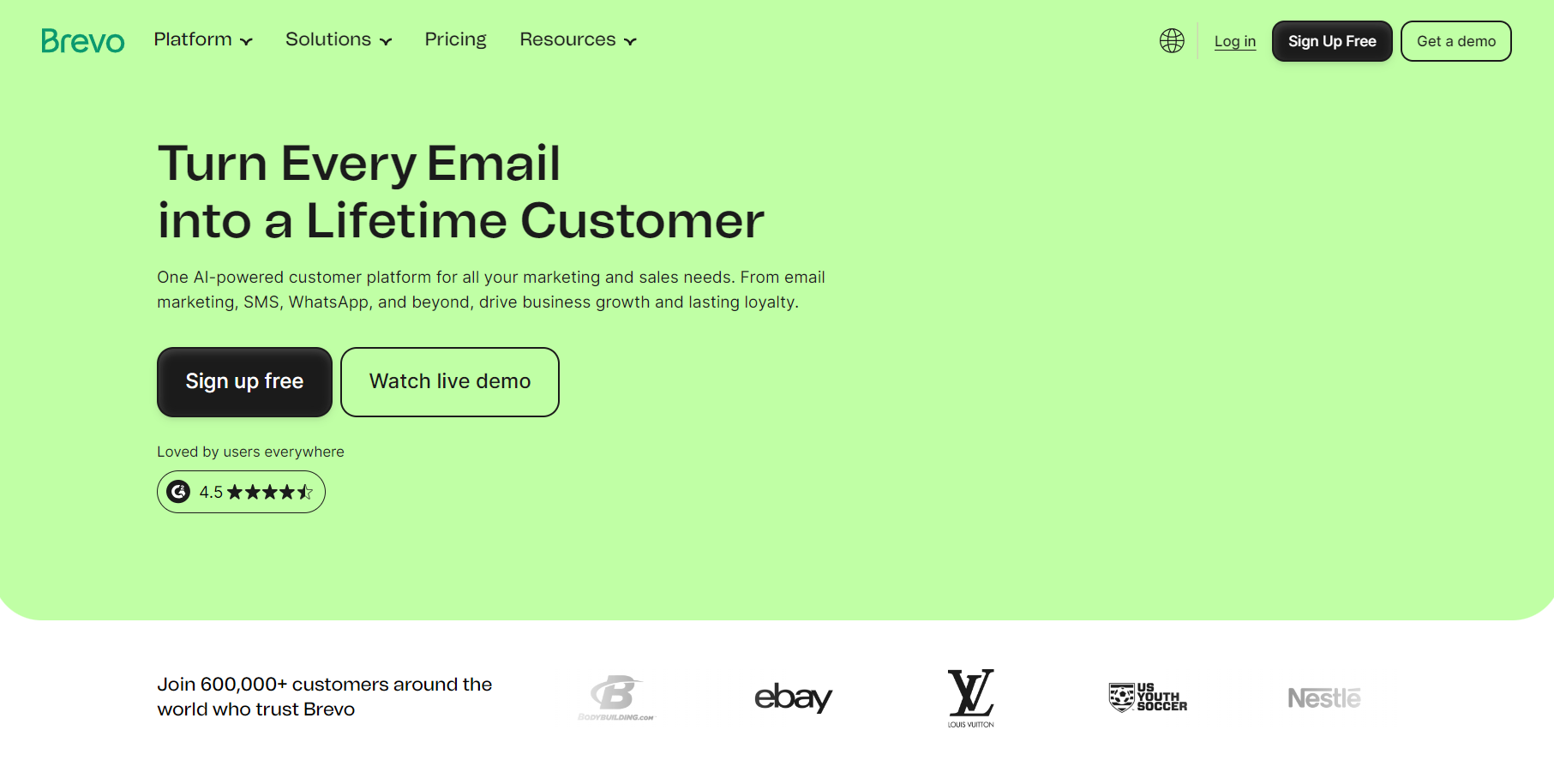
Brevo brings email, SMS, and light sales tools into one platform. It’s more ecommerce-focused than AWeber and uses a pricing model that suits how much you send.
Pros
- SMS marketing: All plans allow SMS campaigns to 180+ countries.
- Multichannel automations: Combine email and SMS in your flows. These also support real-time event triggers, such as purchases and page visits.
- Send-based pricing: Pay for the emails you send with predefined contact tiers. Above 20,000 emails/month in the Starter and Standard plans, Brevo defaults to a 500,000 contact limit – ideal when your send volume stays low relative to your list size.
- AI toolkit: Generative content in all plans, and then AI send time optimization in Standard, and AI segmentation and data analysis in Professional.
- Sales packages: Brevo offers the Sales Essentials add-on at extra cost for your sales, deals, and pipelines alongside email marketing.
Cons
- Having a small list won’t lower your price
- The Free and Starter plans restrict crucial ecommerce features, such as popups, landing pages, and back-in-stock automations
Pricing
Brevo has a free plan and four paid plans with send-based pricing. With Brevo’s send-based pricing, you specify the number of emails/month you need to access different tiers. The contact limit then increases with your selections.
- Free. Lets you send 300 emails/day, stores up to 100,000 contacts.
- Starter. $9/month for 5,000 emails/month, supports 500 contacts.
- Standard. $18/month for 5,000 emails and 500 contacts. Includes more features.
- Professional. $499/month for 150,000 emails/month and two million contacts.
G2 rating: 4.5/5 based on 2,600+ reviews.
7. Drip
Best for: Lean ecommerce stores wanting an email marketing tool with unlimited sends.
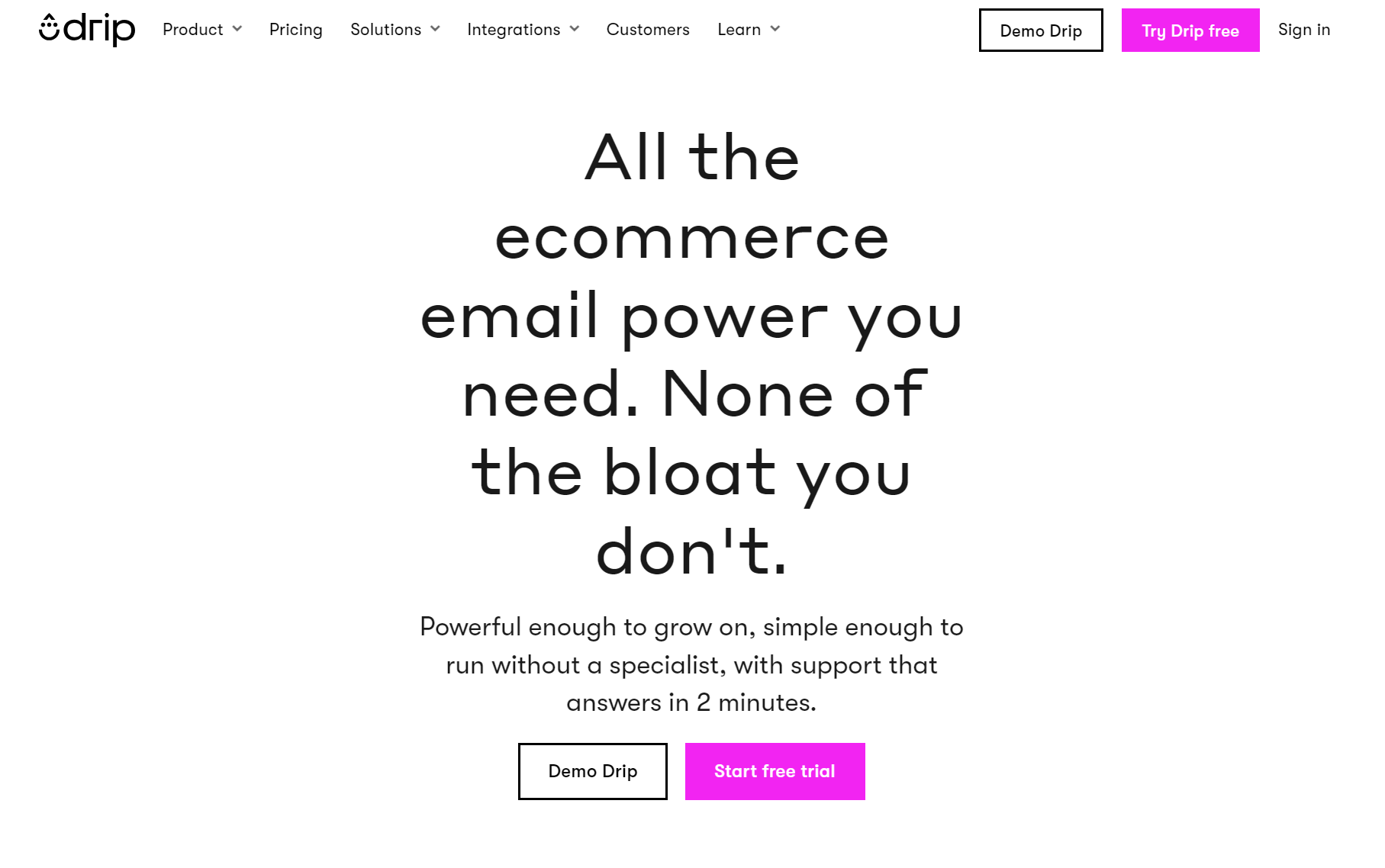
Drip is the pared-back option among the ecommerce tools in our article: it provides every feature in one plan, with capabilities suiting growing stores. It lacks AWeber’s built-in selling tools, but handles more behavior-based flows.
Pros
- Pre-built workflows: These are split by platform and category filters. You can browse workflows for Shopify, WooCommerce, and others, with options for ecommerce, service providers, events, and more.
- Ecommerce focus: Target browse, cart, and product abandonment in your flows, with triggers for opens and clicks, orders placed, segment entry, and third-party events.
- Email templates: 160+ email templates including designer and plain text ones.
- Popups and forms: Including themed and plain templates, gamified spin-to-win forms, and bars, which you can configure to show at the top or bottom of your site.
- Reporting capabilities: Including dashboards for new people, email metrics, revenue, events, site traffic, and conversions.
Cons
- No native web push notification support
- Billing tied to active people, including non-marketable ones
- SMS is only available in the U.S., and it’s tied to the Support All People feature via support
Pricing
Drip has no free plan and one paid plan.
- $39/month is the starting point for 2,500 contacts, unlimited email sends, and access to all features. For comparison, AWeber’s Plus plan is $55/month for the same contacts and a 12x send limit.
G2 rating: 4.4/5 based on 480 reviews.
8. MailerLite
Best for: Small stores and businesses wanting a low learning curve for email features and monetization capabilities for digital goods.
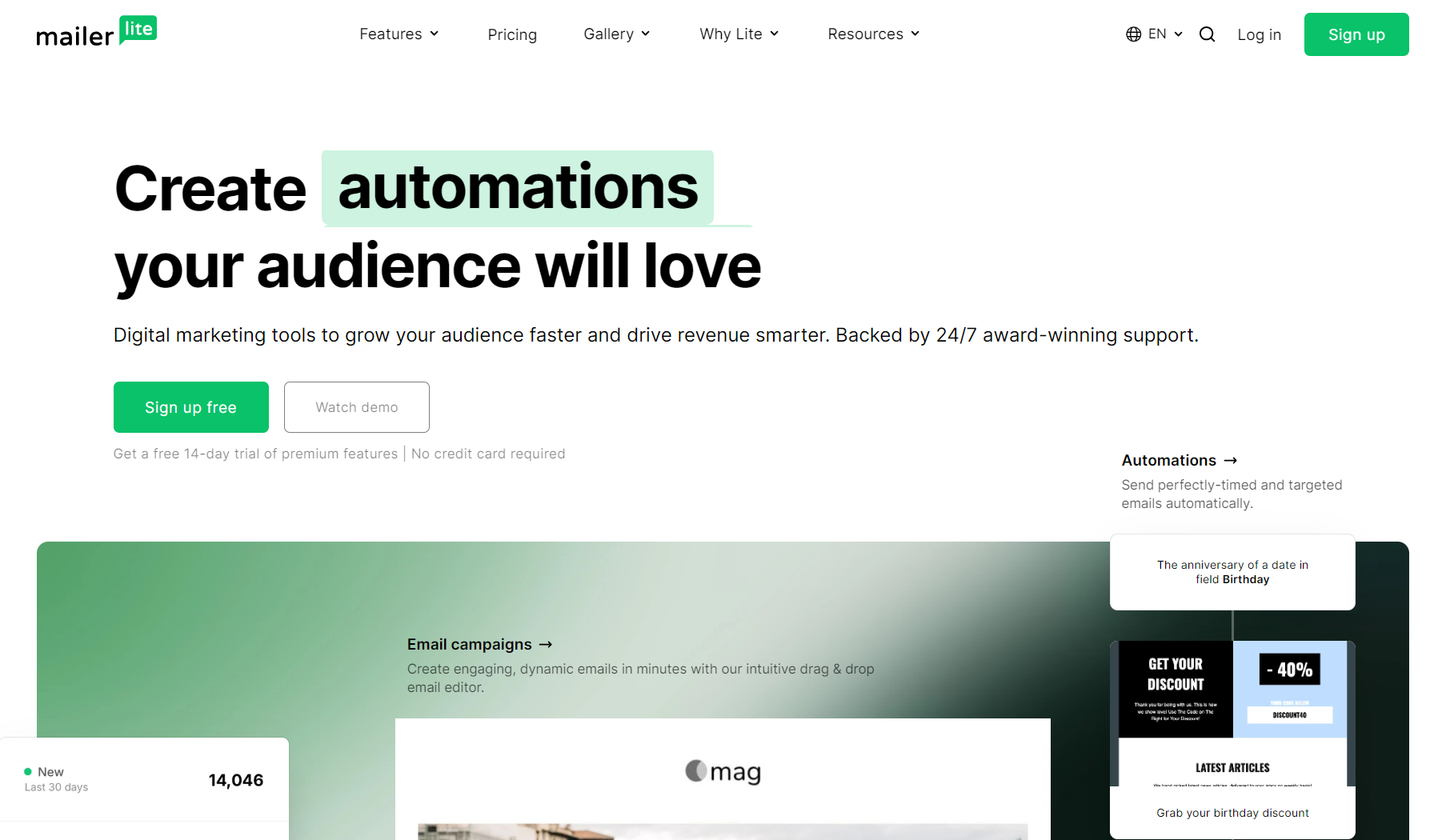
Should your automations span a welcome series, abandoned carts, and follow-ups, with newsletters core to your strategy, then MailerLite is worth considering. It also works well as an AWeber alternative for monetizing your content.
Pros
- Visual automations: Build these from scratch in the editor or use any of the 15 pre-built templates. The likes of checkout abandonment, re-targeting, and additional revenue-generating moments are covered.
- Sell and earn: MailerLite lets you sell digital products, recurring subscriptions, take bookings, and run paid newsletters.
- Quizzes and surveys: These are supported natively in emails and sites across all plans, allowing you to reduce your paid apps.
- Good reporting capabilities: Including real-time automation reports, ecommerce sales tracking, email click maps, and comparative reporting.
- A/B testing: Available in all plans for emails and forms. Multivariate testing is available in paid plans for subject lines, sender names, and more.
Cons
- The free plan includes no email or chat support
- The Comfort plan has significant feature restrictions, including chat support and multiple automation triggers
- The automation depth is fine for standard lifecycle flows, but light on real-time behavioral branching and advanced segmentation
Pricing
MailerLite has a free plan and two plans for marketing. It also offers a free transactional plan and three paid transactional plans. If you don’t need transactional email or SMS, the marketing plans provide access to campaigns and flows.
Marketing plans
- Free. Send 2,500 emails/month to 250 contacts.
- Comfort. $12/month for 500 subscribers with a 5,000 email limit.
- Power. $25/month to send unlimited monthly emails to 500 subscribers. It’s the only plan with unlimited landing pages, websites, forms, popups, visual automations, and campaign sending.
Transactional plans
- Free. 500 emails and 10 email verification credits.
- Hobby. $7/month for 5,000 emails and 100 email verification credits. Overage costs $1.50/1,000 emails.
- Starter. $35/month for 50,000 emails, 100 email verification credits, and 100 SMS. Overage is cut to $1.30/1,000 emails.
- Professional. Has a large price increase to $110/month for 50,000 emails and 150 SMS, with 400 email credits. Adds access to MailerLite’s high-throughput API.
G2 rating: 4.6/5 based on 1,110+ reviews.
9. Klaviyo
Best for: Established ecommerce brands and enterprise stores.
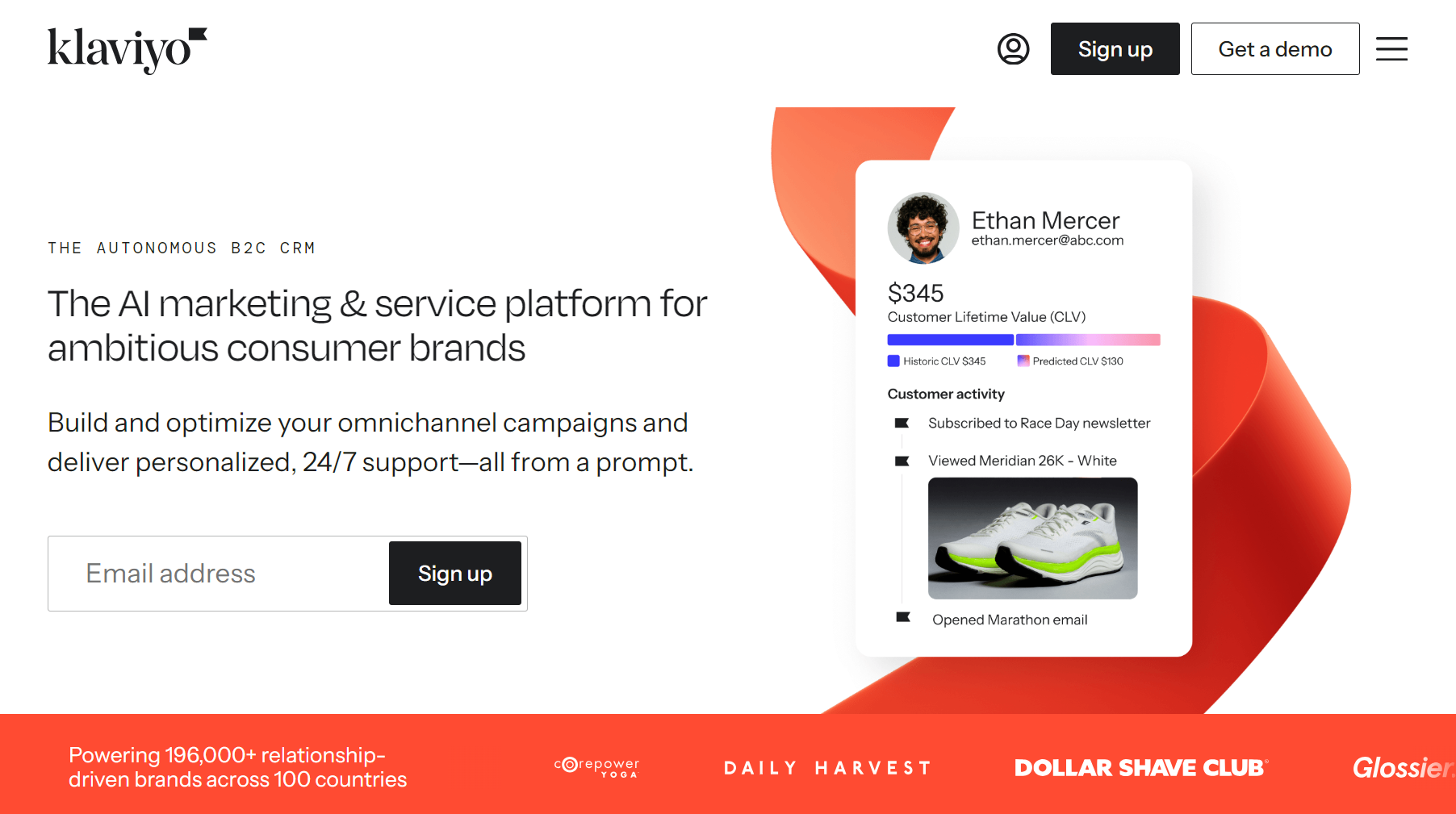
Klaviyo is a much more data-led platform than AWeber with a B2C CRM that fuels your personalization, flows, and segmentation. It combines email and SMS and provides predictive analytics alongside RFM analysis for your customer lifecycle.
Pros
- Advanced flows: Trigger automations off of real-time behavior, including orders, checkouts, product views, price drops, and low stock.
- Segmentation scope: Define your audiences on almost any customer data: behavior, purchase history, predicted lifetime value, engagement. Your dynamic segments then update in near real-time.
- 350+ integrations: Native apps for Shopify and WooCommerce, plus 350+ integrations across marketing and ecommerce tools.
- Marketing Analytics: An add-on with advanced attribution, RFM analysis, customer behavior funnels, and predictive insights.
- Customer Data Platform (CDP) capabilities: Via the Advanced Klaviyo Platform at extra cost. It provides lifetime customer profiles, real-time segmentation, and predictive analytics with Klaviyo AI.
Cons
- Steeper learning curve than AWeber
- Enterprise scope is overkill for smaller stores
- The Advanced Klaviyo Data Platform is an extra cost of at least $500/month
Pricing
Klaviyo has a free plan and an email marketing plan with add-ons. Prices scale with your profile count, with all active profiles counted.
- Free. For up to 250 active profiles. It lets you send 500 emails/month and includes $5 in mobile message credit.
- Email. $20/month, lets you send 5,000 emails to 500 active profiles.
G2 rating: 4.5/5 based on 1,350+ reviews.
10. Moosend
Best for: Budget senders who want ecommerce flows and segmentation.
Moosend has list-growth and email marketing capabilities that cover your newsletters, automations, and audience management. It’s more ecommerce-focused than AWeber due to its more extensive triggers and segment capabilities.
Pros
- 18 ready-made workflows: For the common ecommerce moments: welcome and onboarding sequences, abandoned cart, birthday and anniversary emails, loyalty tiers, upsell/cross-sell, and so on.
- Multi-step automations: You can chain triggers, conditions, and delays into branching flows to move your customers down different paths in a single workflow.
- Segmentation depth: Moosend has 40+ criteria to segment your customers, such as contact data, campaign engagement, email client, and ecommerce activity.
- Low monthly starting price: Undercuts AWeber, Klaviyo, and many other tools. Additionally, you can purchase pay-as-you-go credits where one credit sends one email to one address and credits never expire.
- Unlimited sends: Across all plans, regardless of your monthly spend. Ideal if you send frequent newsletters or mass campaigns.
Cons
- No SMS capabilities
- Custom plans have pricing ambiguity
- No transactional email below the Moosend+ plan
Pricing
Moosend offers three paid plans. It doesn’t have a free plan. The cheapest paid plan undercuts AWeber’s Lite plan by $6/month for 500 subscribers.
- Pro. $9/month for 500 subscribers and unlimited email sends.
- Moosend+. A custom plan with all Pro features, plus transactional email, a dedicated IP, custom reports, and audience discovery features.
- Enterprise. Another custom plan for large ecommerce stores, providing priority support and an account manager.
G2 rating: 4.6/5 based on 740+ reviews.
How to choose the best AWeber alternative
Consider these factors when considering AWeber alternatives.
- Business type. Your ecommerce store will benefit most from lifecycle marketing and advanced automation, such as that provided by Omnisend. Creators need Kit or GetResponse’s monetization features. Small businesses only require basic flows and newsletters, with MailerLite being a good pick.
- Automation depth needed. Most tools let you create a welcome and cart abandonment flow. But the triggers and filters you can apply, and the events you can use triggers for, determine whether you can reach customers across their lifecycle. Being able to route contacts mid-journey, branching them by what they’ve done since entering, and split-test flows will help you reach the right people.
- Channel mix. Email is the basic requirement; you might also need native SMS and web push notifications. Tools that combine these can consolidate your stack and increase your reach with customers in multichannel flows. Tools that handle email and SMS together include Omnisend, Klaviyo, and ActiveCampaign.
- List size and pricing model. A contact-based pricing model suits ecommerce and high-frequency senders, counting your total contacts or active contacts (i.e., marketable contacts). Send-based pricing is another option with Brevo, most suited to infrequent senders and large, inactive lists.
- Integration requirements. Your AWeber alternative should integrate with your ecommerce platform via a native app, not a third-party connector. Also, it needs to share data with your most important apps for reviews, rewards, and customer service.
- Migration complexity from AWeber. There are two factors here: how easy it is to learn your new tool and move everything over, and what assistance your new tool will provide, such as customer support or migration help.
To learn more about the strengths and weaknesses of AWeber itself, read our detailed AWeber review.
AWeber alternatives: Comparison
The table below summarizes our AWeber alternatives:
| Tool | Best for | Free plan | Ecommerce focus | Starting price |
|---|---|---|---|---|
| Omnisend | Ecommerce stores of all sizes and multichannel brands | Yes | High | $16/month |
| Mailchimp | Basic automations and list growth for small businesses | Yes | Medium | $13/month |
| ActiveCampaign | Ecommerce stores needing Customer Relationship Management (CRM) and advanced automation | No | High | $19/month |
| GetResponse | Marketers and creators wanting automation plus monetization | Yes | Medium | $19/month |
| Kit | Creators with paid newsletters and subscriptions | Yes | Low | $33/month |
| Brevo | Sales and basic automation on send-based pricing | Yes | Medium | $9/month |
| Drip | Lean ecommerce stores wanting unlimited sends | No | High | $39/month |
| MailerLite | Small stores wanting easy email and monetization | Yes | Medium | $12/month |
| Klaviyo | Established ecommerce brands and enterprise stores | Yes | High | $20/month |
| Moosend | Budget senders wanting ecommerce flows and segmentation | No | Medium | $9/month |
Switch from AWeber to a platform built for growth
Now that you’ve gone through our list of AWeber alternatives, let’s make a crucial point for context: the best tool depends on your business type and channels.
If you use AWeber’s built-in commerce features, then GetResponse, MailerLite, or Kit are your best replacements.
For ecommerce, Omnisend is the pick for multi-store support, multichannel capabilities, global SMS, and enterprise flows without the learning curve.
A more data-rich approach makes Klaviyo or ActiveCampaign good choices. But look closely at their features and add-ons, as their prices can jump fast.
Budget senders should look at Brevo, MailerLite, and Moosend for low entry prices, or Drip for unlimited email sends on a budget.
Your next step? Free trials and free accounts for those that have them. Just remember to cancel any subscriptions for those that take your card information first.
Omnisend customers achieved a 79:1 ROI across email, SMS, and web push notifications in 2025
Quick sign up | No credit card required
FAQs
What is the best AWeber alternative?
Omnisend is the best AWeber alternative for ecommerce integration and multichannel automations based on behavior and purchase activity. Klaviyo is another enterprise fit if you collect lots of data. Kit and GetResponse offer more creator features.
Is Omnisend better than AWeber?
Omnisend is better than AWeber for Shopify and other ecommerce stores focused on lifecycle marketing and SMS alongside email. AWeber is still a good fit for basic customer journeys and digital commerce features for subscriptions and services.
What is the best free AWeber alternative?
Omnisend’s Free Forever plan is the best for more advanced flows and segments, though its 250 contacts and 500 emails/month are fewer than AWeber’s 500 contacts and 3,000 email quota. MailerLite’s free plan lets you send 2,500 emails if volume is important.
Why do people switch from AWeber?
People switch from AWeber because it doesn’t have a native Shopify app for deep integration and lacks the complex flows of ecommerce tools, such as Omnisend and Klaviyo. Additionally, the Lite plan is cheap on paper, but it restricts access to behavioral automation and email sales tracking, pushing you to a minimum $30/month spend for Plus.
Is AWeber good for ecommerce?
Not the best. You can get by with AWeber if you have a small store and predictable customer journeys. A typical use case: you need a welcome email and follow-ups, plus newsletters and landing pages for list growth. You’ll outgrow AWeber when you need behavioral triggers based on shopping activity and more customer data, such as lifecycle stages.