Understanding Commercial Email: Examples and Best Practices
Commercial email generates $10-$36 per $1 spent. That’s a pretty impressive ROI—if your carefully crafted campaigns don’t end up in the spam folder or break completely in dark mode.
Commercial email refers to messages sent primarily to promote a product or service. While that sounds straightforward, the distinction between commercial versus transactional email isn’t just marketing jargon. It’s a necessary factor for legal compliance and deliverability success.
Let’s clear up the confusion around definitions, examine four types that drive real results, and share the technical best practices that separate inbox champions from spam-folder casualties.
What is a commercial email?
According to the Federal Trade Commission’s CAN-SPAM Act, commercial email is any message whose main purpose is advertisement or promotion. This legal definition is the foundation that keeps your campaigns compliant and your sender reputation intact.
Commercial vs. transactional email
Commercial emails promote products or services, while transactional emails enable agreed-upon transactions or relationships, like order confirmations, password resets, or account notifications. Understanding this difference is important because transactional emails have different legal requirements and typically enjoy better deliverability rates.
For a closer look at this distinction, check out our guide on commercial vs. transactional email.
The hybrid gray area
Some emails blur the lines by mixing both purposes—a receipt email, for example, that includes a promotional coupon code. The FTC applies the primary purpose test. If the main goal is to confirm a purchase, it’s transactional. If the main goal is to drive another sale, it’s commercial.
Types of commercial emails with examples
Maestros of commercial email marketing understand that different types of emails achieve specific business outcomes.
The promotional blast
Think of promotional blasts as the sprint runners of commercial email—they’re built for speed, focus, and crossing the finish line fast.
-
Goal: Immediate conversion through sales, limited-time offers, or special deals.
-
Why it works: Promotional emails use urgency and have clear, singular calls to action that guide recipients toward a specific action. They work because they create a sense of scarcity and provide obvious value propositions.
-
Example: The 24-hour flash sale. A retail brand sends an email at 9:00 a.m. with a subject line like “Flash sale: 50% off until midnight only.” The email features a large hero image of the discounted product, a countdown timer to create visual urgency, and a single, bold button that says “Shop the sale.” There’s minimal text—just the offer and the deadline.
The newsletter
If promotional blasts are the sprint, newsletters are the marathon. They build relationships one valuable piece of content at a time.
-
Goal: Nurture relationships and maintain brand awareness without aggressive selling.
-
Why it works: Newsletters build authority and trust by providing valuable content, industry insights, or educational resources. They keep your brand on the brain without the hard sell. Recipients are more likely to engage when they’re ready to purchase.
-
Example: The weekly industry digest. A SaaS company sends a Friday email titled, “The five things you missed in marketing this week.” The email includes short summaries of three blog posts, a user of the week spotlight, and a calendar of upcoming webinars. It uses a consistent commercial email template so readers know exactly where to look for the information they value.
The retention/re-engagement email
The retention email is commercial email’s comeback specialist. It swoops in to win back subscribers who’ve drifted away from the starting line.
-
Goal: Win back inactive subscribers and reduce churn.
-
Why it works: These emails use fear-of-missing-out tactics or offer exclusive we-miss-you incentives. They’re effective because they acknowledge the relationship while providing compelling reasons to re-engage.
-
Example: The “We miss you” win-back. Sent automatically to a subscriber who hasn’t opened an email in 90 days. The subject line reads “It’s been a while…here’s $10 on us.” The copy is warm and personal, acknowledging the absence and offering a specific incentive like a discount code or free shipping, valid only for the next seven days. It encourages them to click and reactivate their user status.
The product launch/update
Think of product launch emails as the starting pistol for your latest innovation. They signal that something new and exciting is about to begin.
-
Goal: Educate users about new features and drive adoption.
-
Why it works: Launch emails create excitement and exclusivity for existing customers. They work because they make recipients feel like insiders getting first access to something valuable.
-
Example: The “Early access” feature announcement. A software platform announces a major update like “Dark mode support.” The email includes a sleek GIF showing the new feature in action, a bulleted list of the top three benefits, and a primary call to action that says “Try it now” or “Watch the demo.” It often includes social proof or a quote from a beta tester to build excitement.
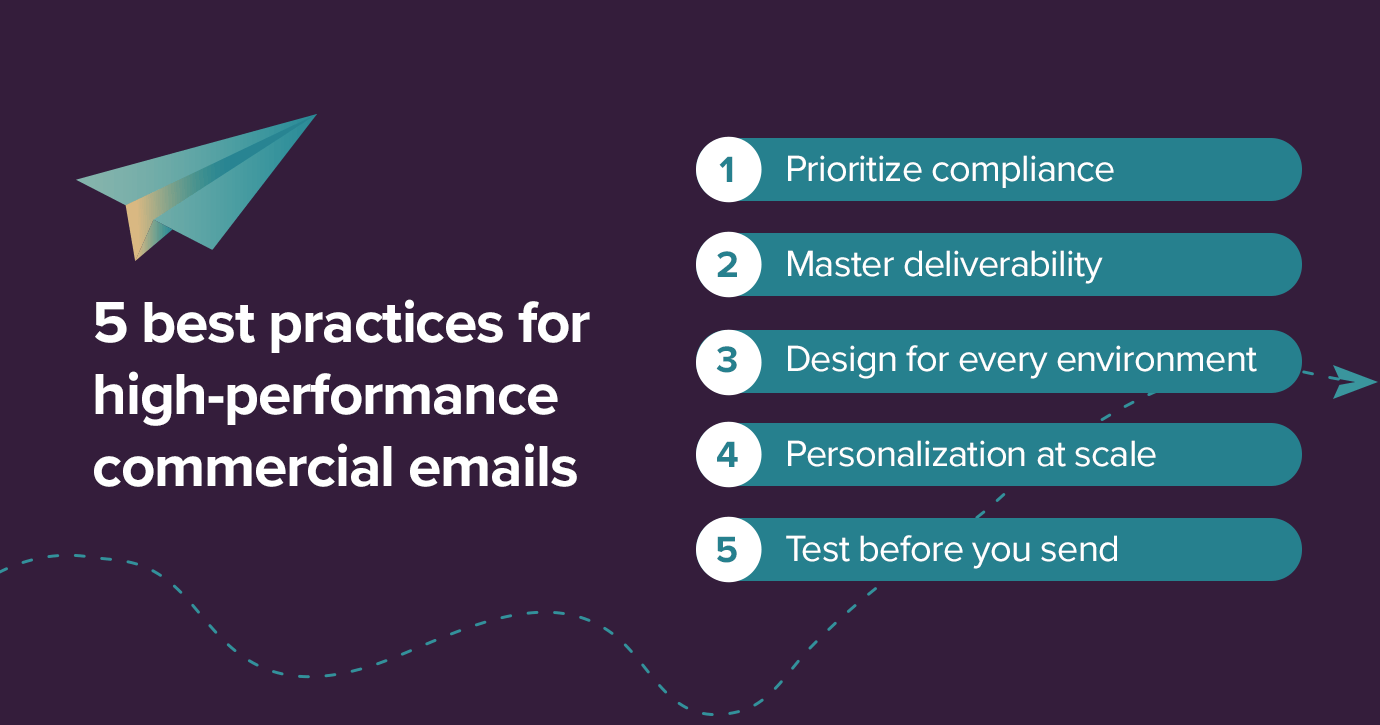
5 best practices for high-performance commercial emails
Strategy gets you to the starting line, but execution wins the race. These five practices make sure your emails perform at their peak.
1. Prioritize compliance
Every email must include your physical business address and a one-click unsubscribe mechanismper CAN-SPAM requirements (major mailbox providers now require this, too). Additionally, ensure your “from” name and subject line accurately represent your content, and honor unsubscribe requests within 10 business days.
Compliance builds trust with subscribers, which directly improves engagement rates. Transparent, honest email practices signal to recipients and internet service providers (ISPs) that you’re a legitimate sender worth trusting.
2. Master deliverability
Email deliverability is your ability to reach subscribers’ inboxes—not just successfully send a message, but have it actually land where they’ll see it. Mailbox providers assign every sender a reputation based on engagement signals, complaint rates, and list hygiene, and they update it constantly. This reputation determines whether your emails arrive, get filtered to spam, or get blocked at MBP gateways.
To earn your place in the inbox, start with authentication. SPF, DKIM, and DMARC are table stakes—they prove to MBPs that you are who you say you are (for detailed setup guidance, explore our email authentication guide.) But authentication alone won’t save a sender with a poor reputation.
What actually moves the needle:
Engagement. Low opens and clicks signal to MBPs that recipients don’t want your mail. Re-engage or suppress subscribers who haven’t engaged in a while rather than mailing them into oblivion.
Complaint rates. Every spam complaint chips away at your standing. Keep rates below 0.1%—if they’re climbing, it’s usually a sign-up quality or frequency problem, not a content problem.
List hygiene. Hard bounces, spam traps, and role-based addresses (info@, admin@) all hurt your reputation. Validate regularly and remove chronic bouncers.
Send consistency. Sudden volume spikes look suspicious. If you’re ramping up for a big campaign, warm up gradually so MBPs can recalibrate at the new volume.
Finally, use separate subdomains or dedicated IPs for commercial versus transactional email—so a struggling campaign never delays a critical order confirmation.
3. Design for every environment
Commercial emails can break in dark mode environments, with invisible text or logos that disappear. The fix calls for specific CSS techniques and testing to ensure your brand colors, images, and text are visible across light and dark interfaces.
Mobile responsiveness is equally important. Single-column layouts, large touch targets of at least 44px, and thumb-friendly button placement are essential for engagement. Test your designs on all devices. An email that looks perfect on desktop light mode might be completely unusable on mobile dark mode, so test every combination that matters to your audience.
4. Personalization at scale
You can do so much more than a basic “Hi [Name]” personalization. Use dynamic content blocks based on purchase history, browsing behavior, or engagement patterns to create relevant experiences your customers will love. Advanced personalization can include showing different product recommendations to frequent buyers or adjusting send times based on individual engagement patterns.
The key is to start simple and scale up. Begin with behavioral triggers like cart abandonment emails, and then expand to more sophisticated segmentation. Even basic behavioral personalization usually outperforms demographic segmentation alone.
5. Test before you send
The risk of broken links, rendering issues, and formatting problems across 100+ email clients is real. What looks perfect in your email builder might be broken in your subscriber’s inbox. A single rendering issue can turn your carefully crafted commercial email into an unreadable mess that damages your brand credibility. Fortunately, this possibility doesn’t have to keep you up at night.
Litmus email testing lets you preview your emails across 90+ clients and devices before you hit send. You can catch everything from dark mode failures to mobile formatting disasters. You can also test subject lines for spam-filter triggers, verify that links work properly, and make sure CTAs are clickable across every environment your subscribers use.
Train like a champion, send like a pro
Commercial email is a powerful revenue driver when executed with a focus on strategic design and solid deliverability practices. Understanding commercial email examples and best practices makes the difference between campaigns that generate that coveted $36 ROI and those that languish in spam folders. And it often comes down to technical execution and testing.
It’s time to lace up your campaign shoes and sprint toward inbox success. from Validity Get started with Litmus today to build, test, and analyze every campaign with confidence.